Physical Computing

Weekly Activity Template

Edith Yago

This website documents my work, including workshops, prototyping activities, research and the development of our Project 2 prototype.


Module 2


Project Overview

For Module 2, our group is developing a personalized alarm clock that uses projected visuals and lighting as part of the wake-up experience.

The concept includes three main features: projecting scenery, customizing lighting and using a motion sensor to snooze or turn off the alarm. This website documents my individual contributions, experiments and research throughout the project.

Workshop 1 Guerrilla Prototyping I
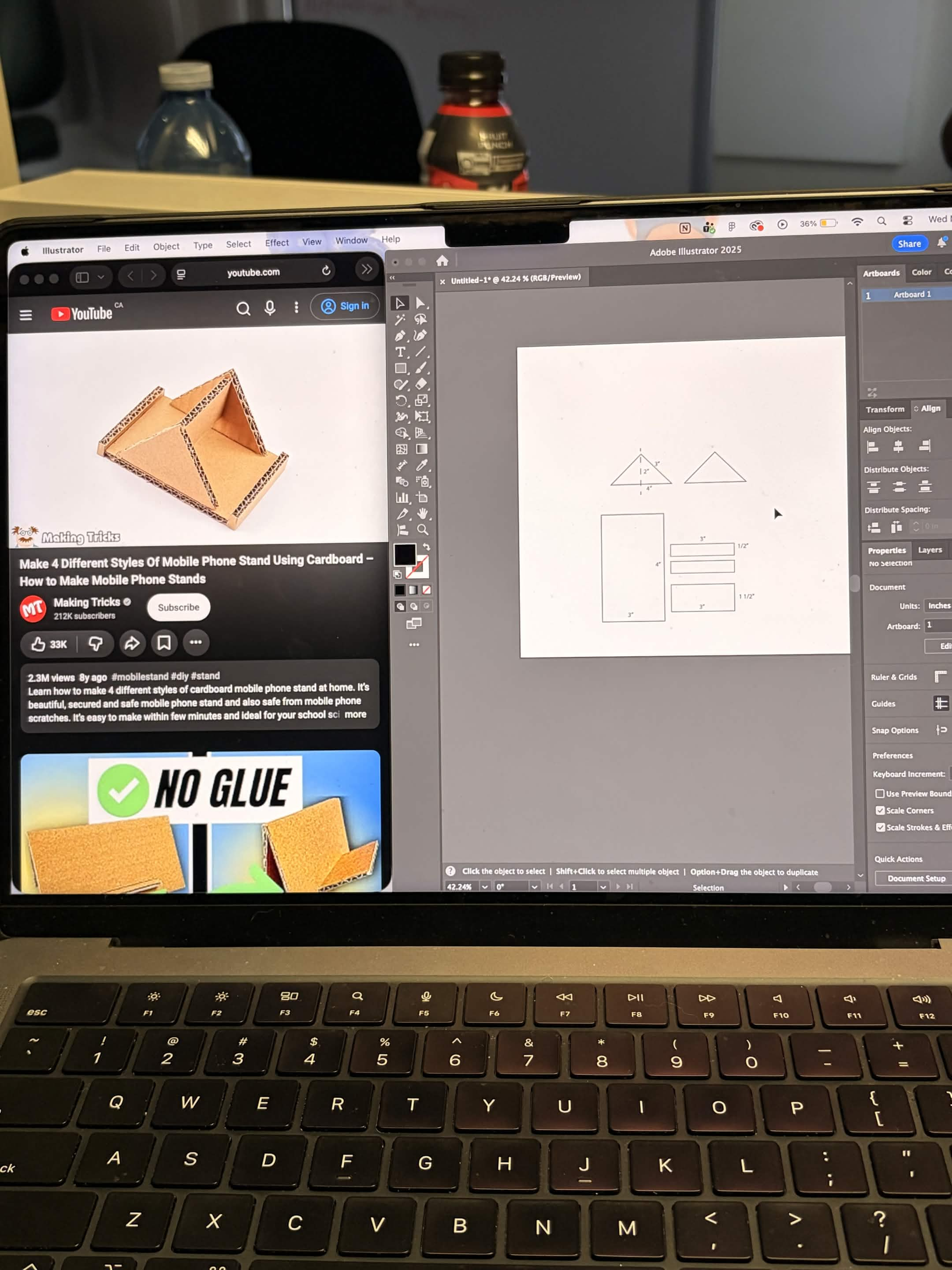
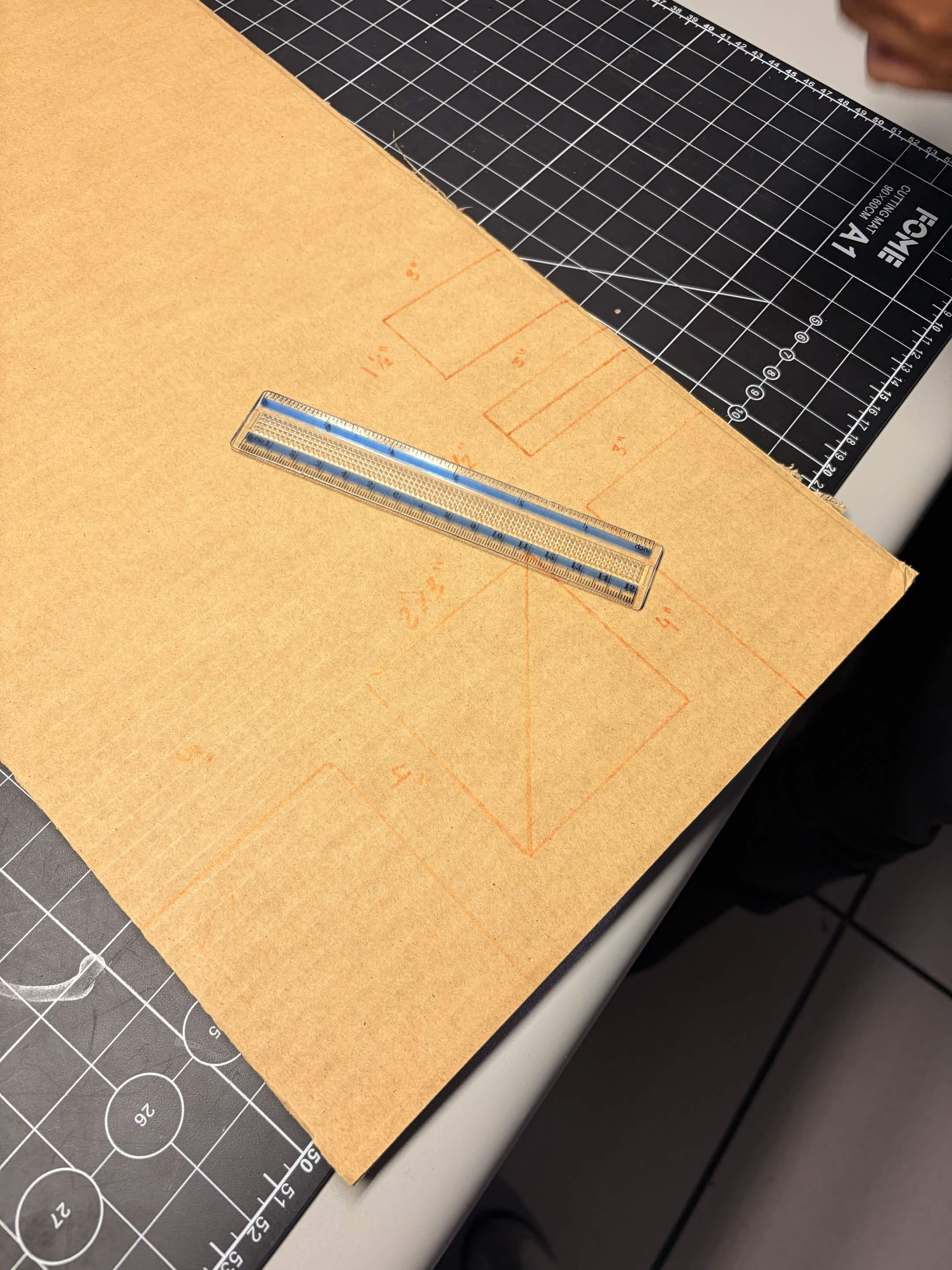
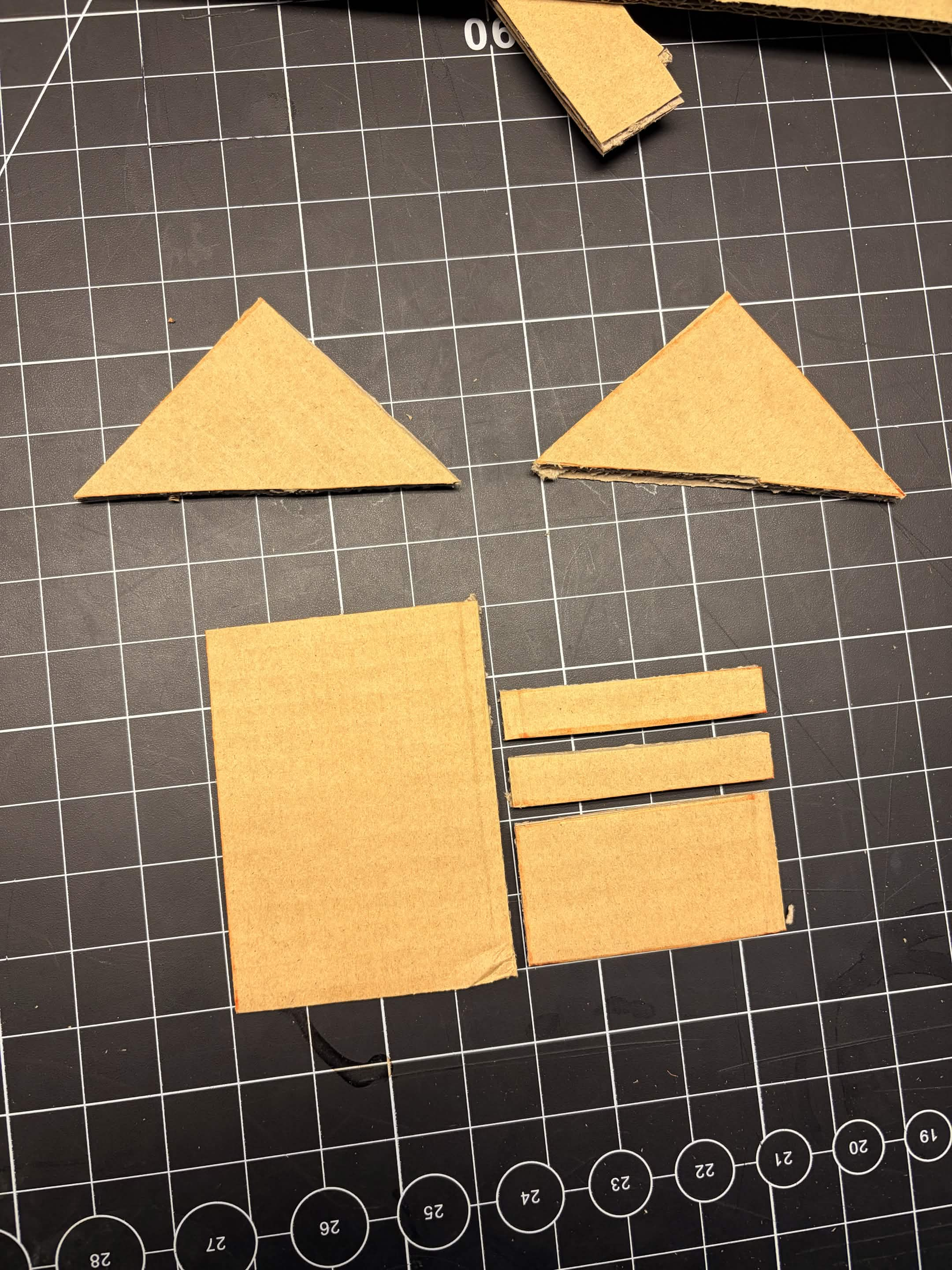
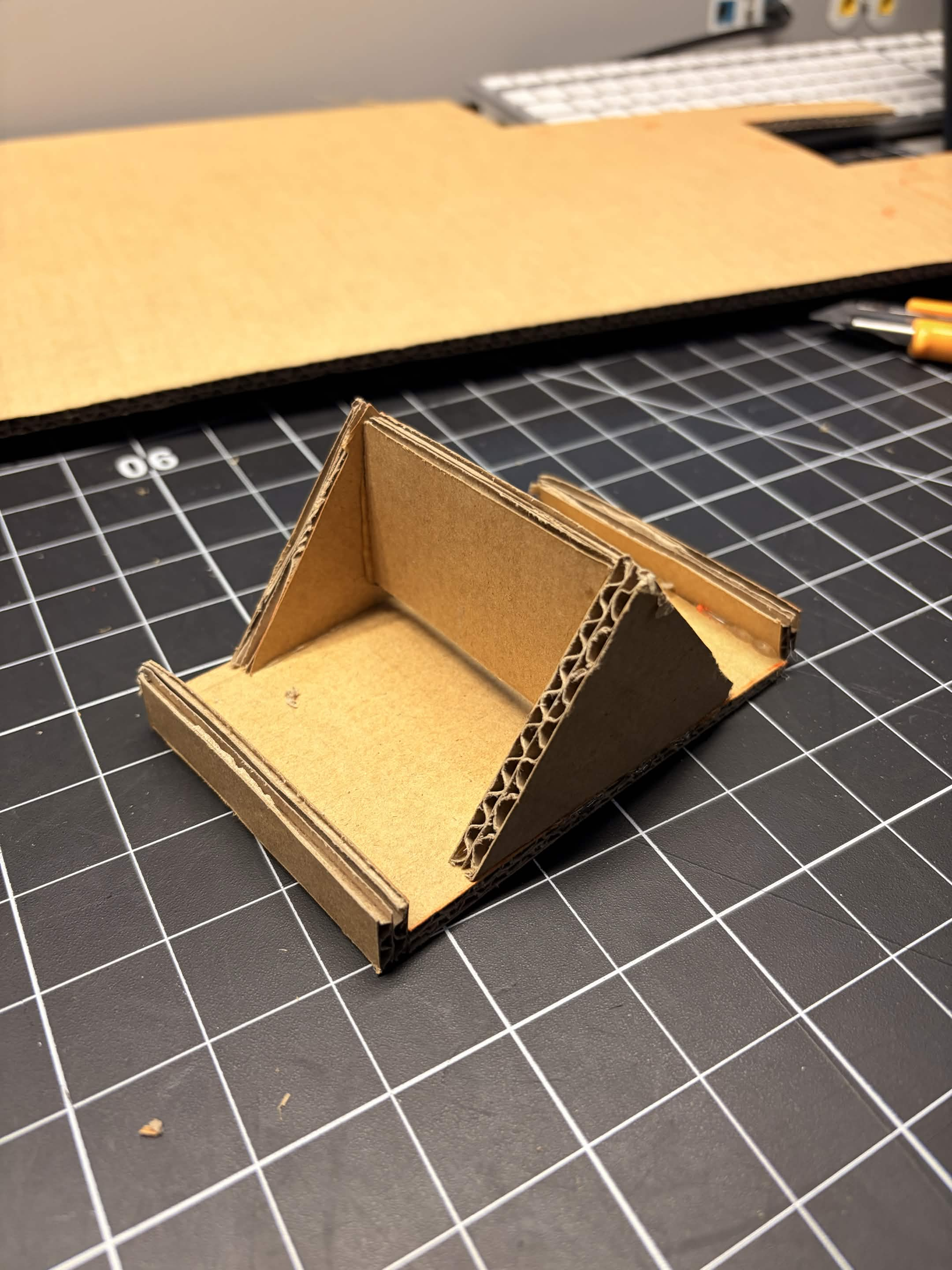
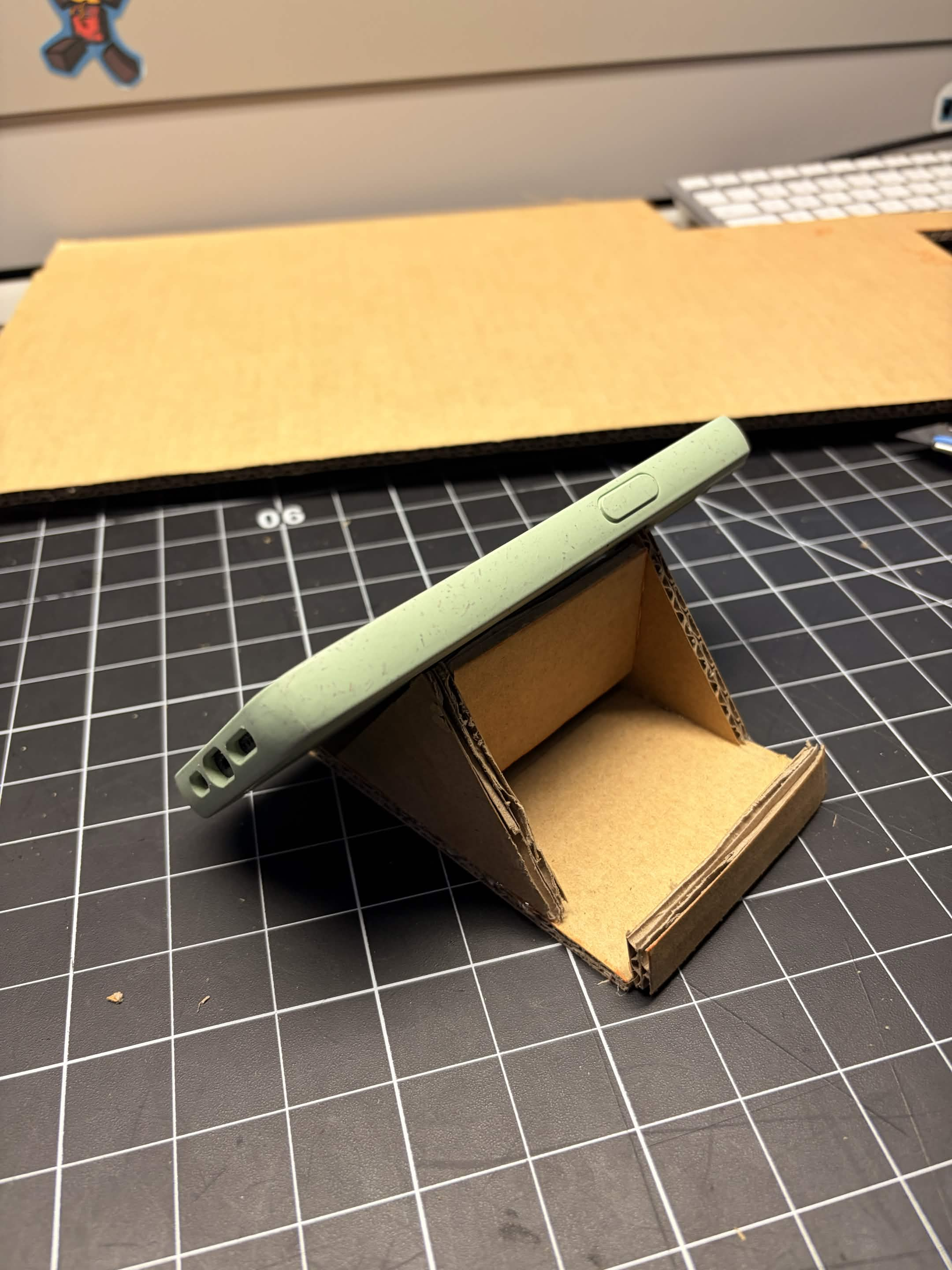
Watching the video on phone stands. Drawing it out in Illustrator. We picked the dual phone stand the hold two phones. Drawing out the pieces on the carrboard, making it easier to cut. The pieces all cut out and ready to glue together. The phone stand all glued together with minor adjustments. The phone stand in action. Only holding one phone as the other one is taking the photo. The phones also touch when both were on the stand.

Workshop 2 Guerrilla Prototyping II
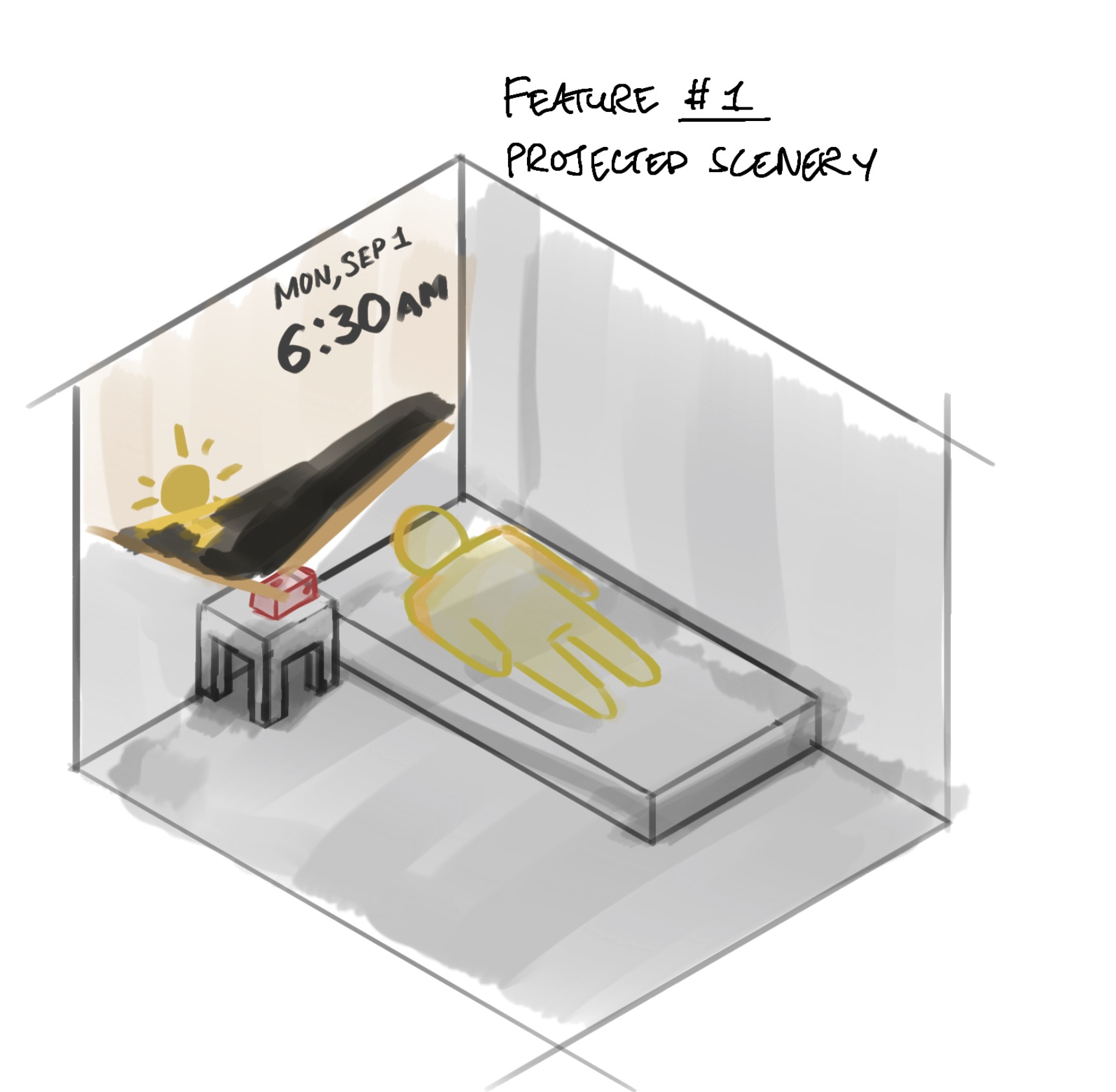
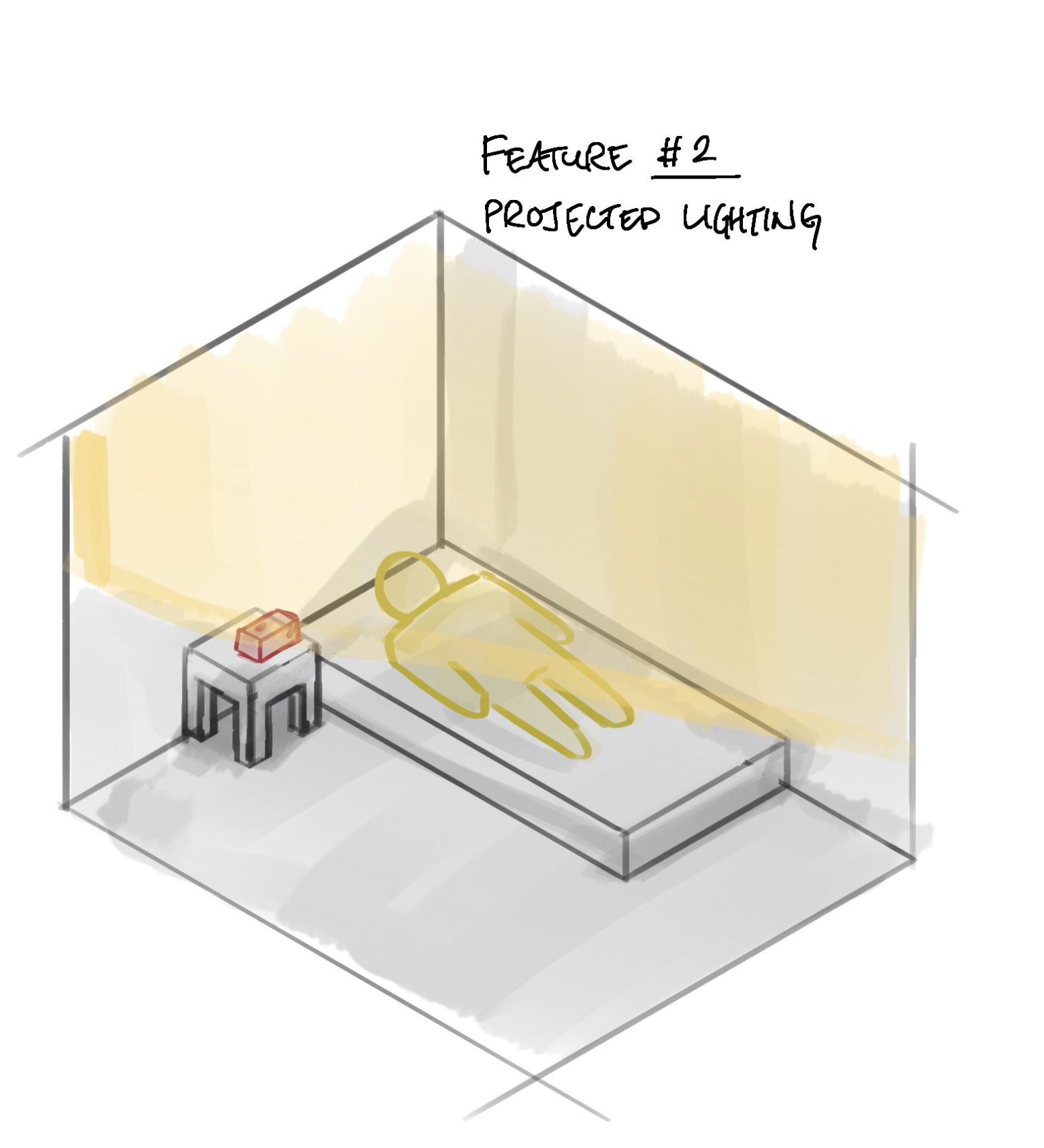
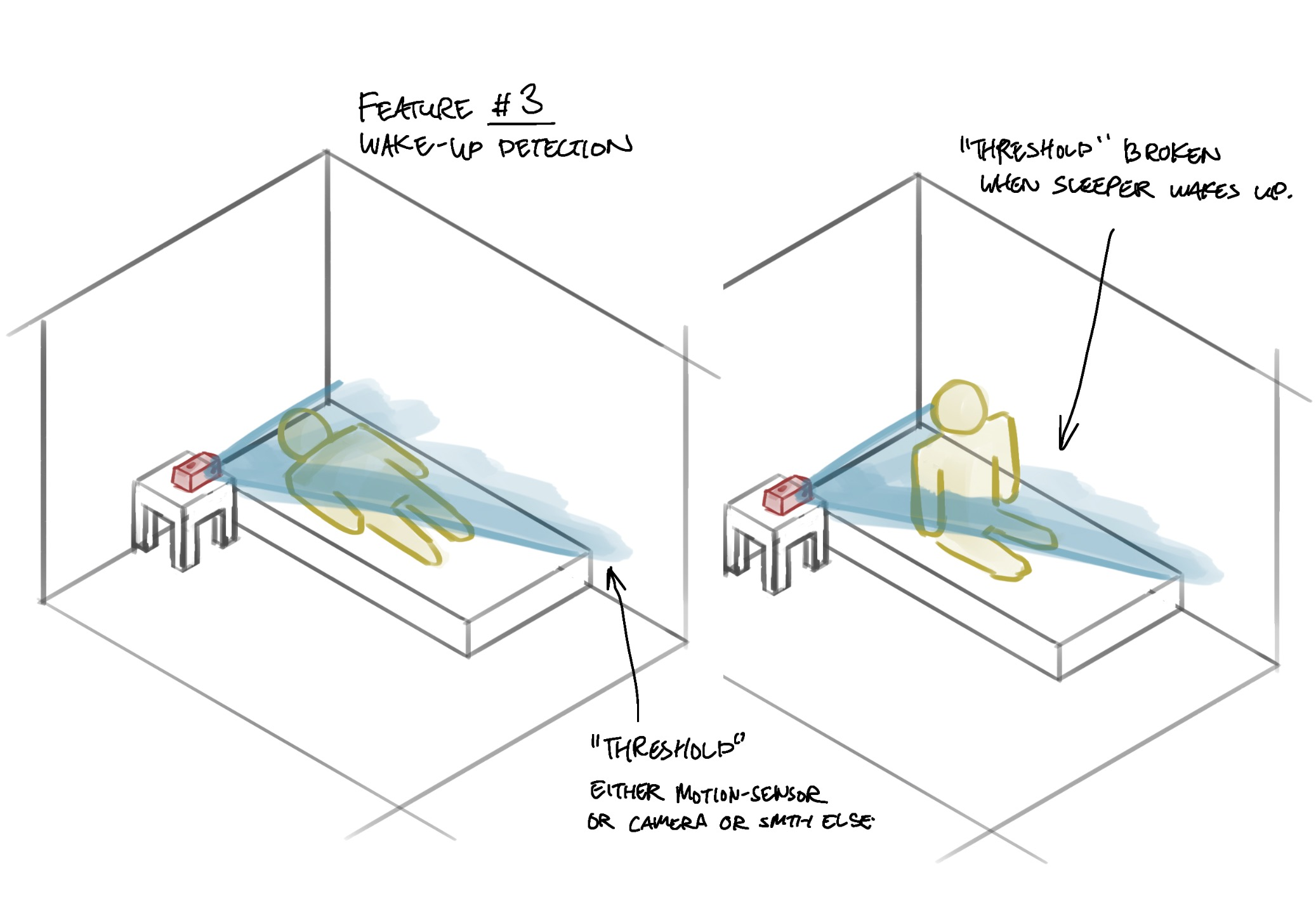
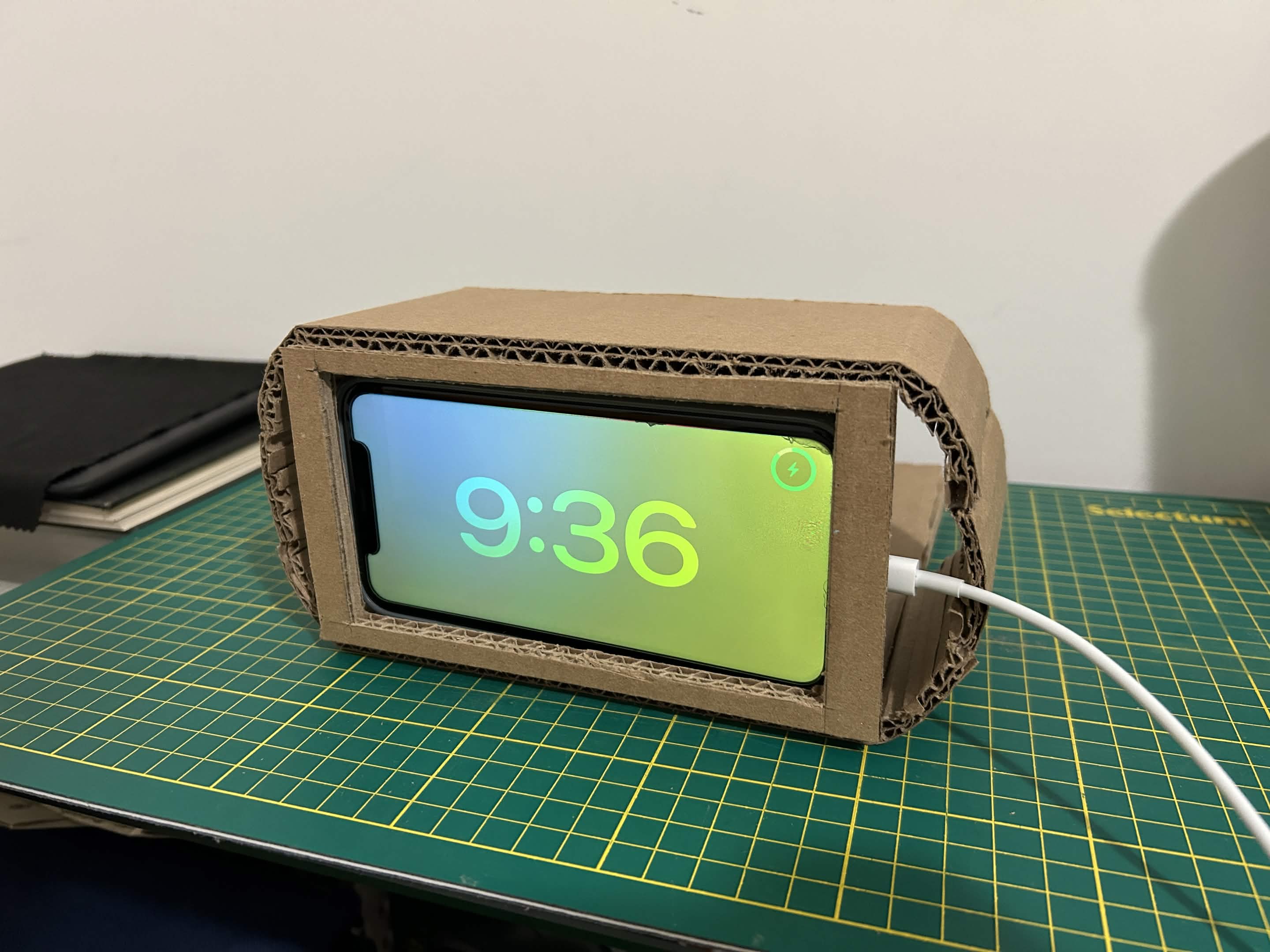
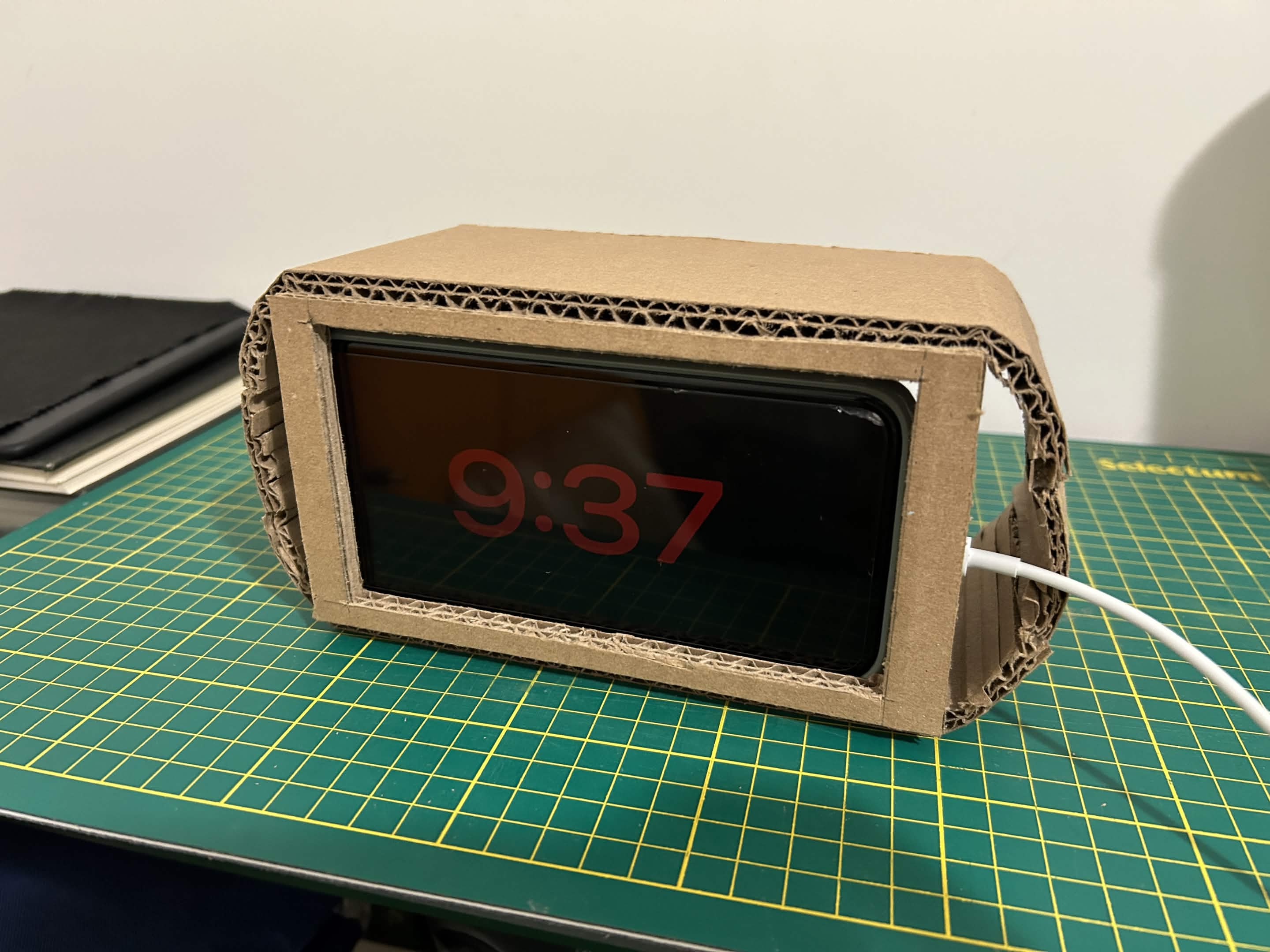
Sketch showing feature 1 of projecting a scenery. Sketch showing feature 2 of projecting light. Sketch showing feature 3: using a motion sensor to snooze or turn off the alarm. Cardboard prototype of the alarm clock showing the time during the day. Cardboard prototype of the alarm clock showing the time during the day.

Activity 1: My Research

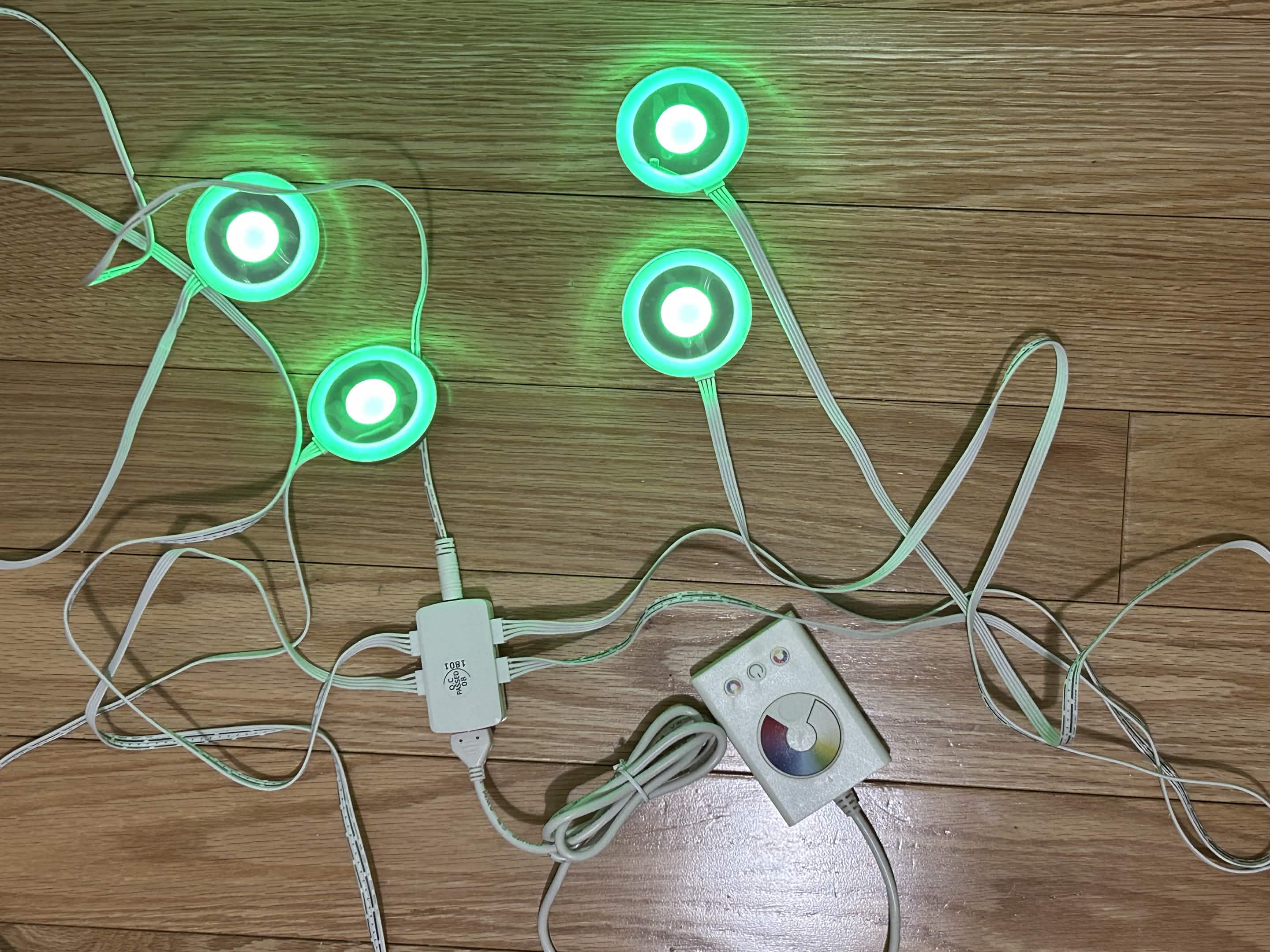
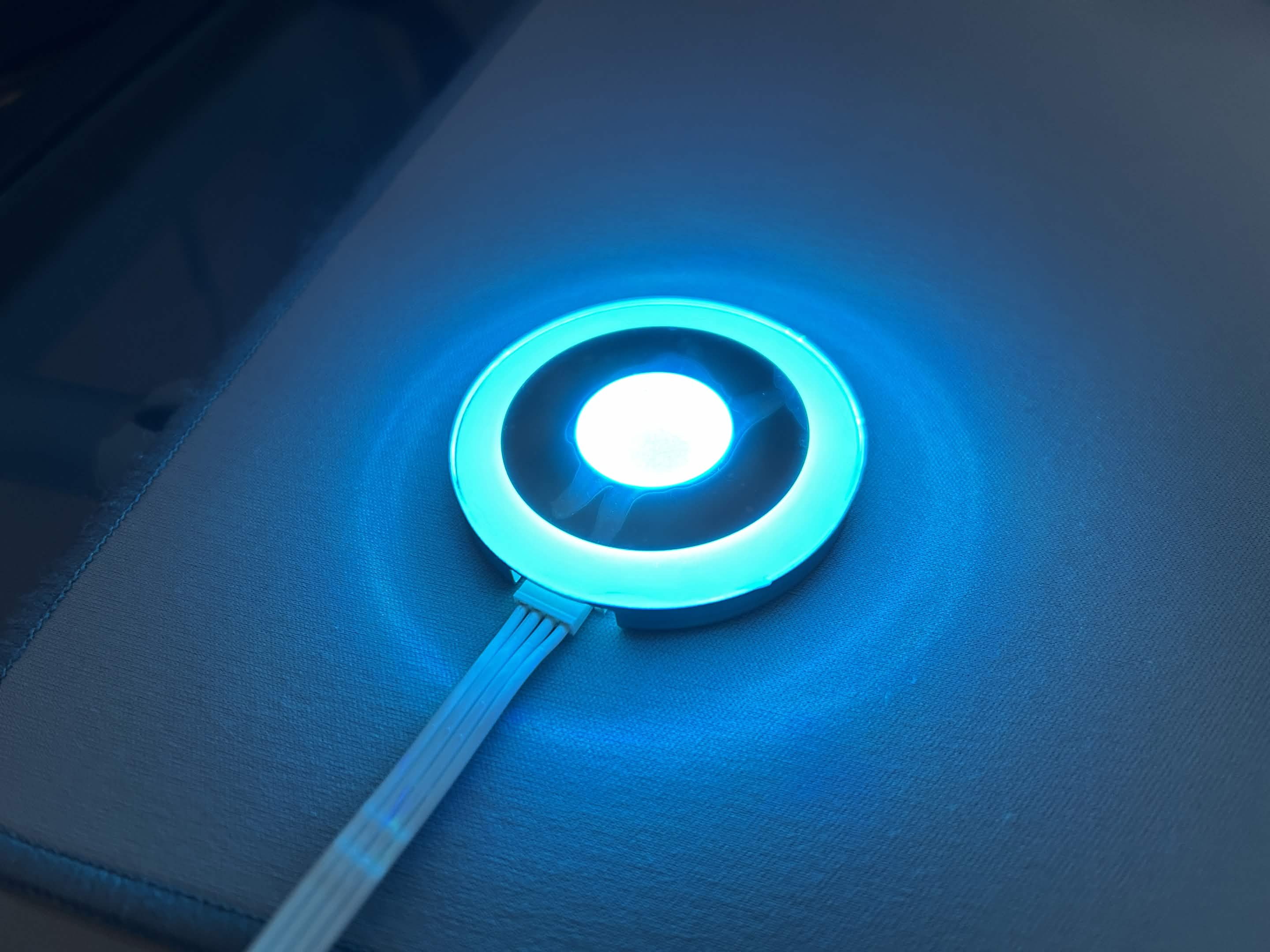
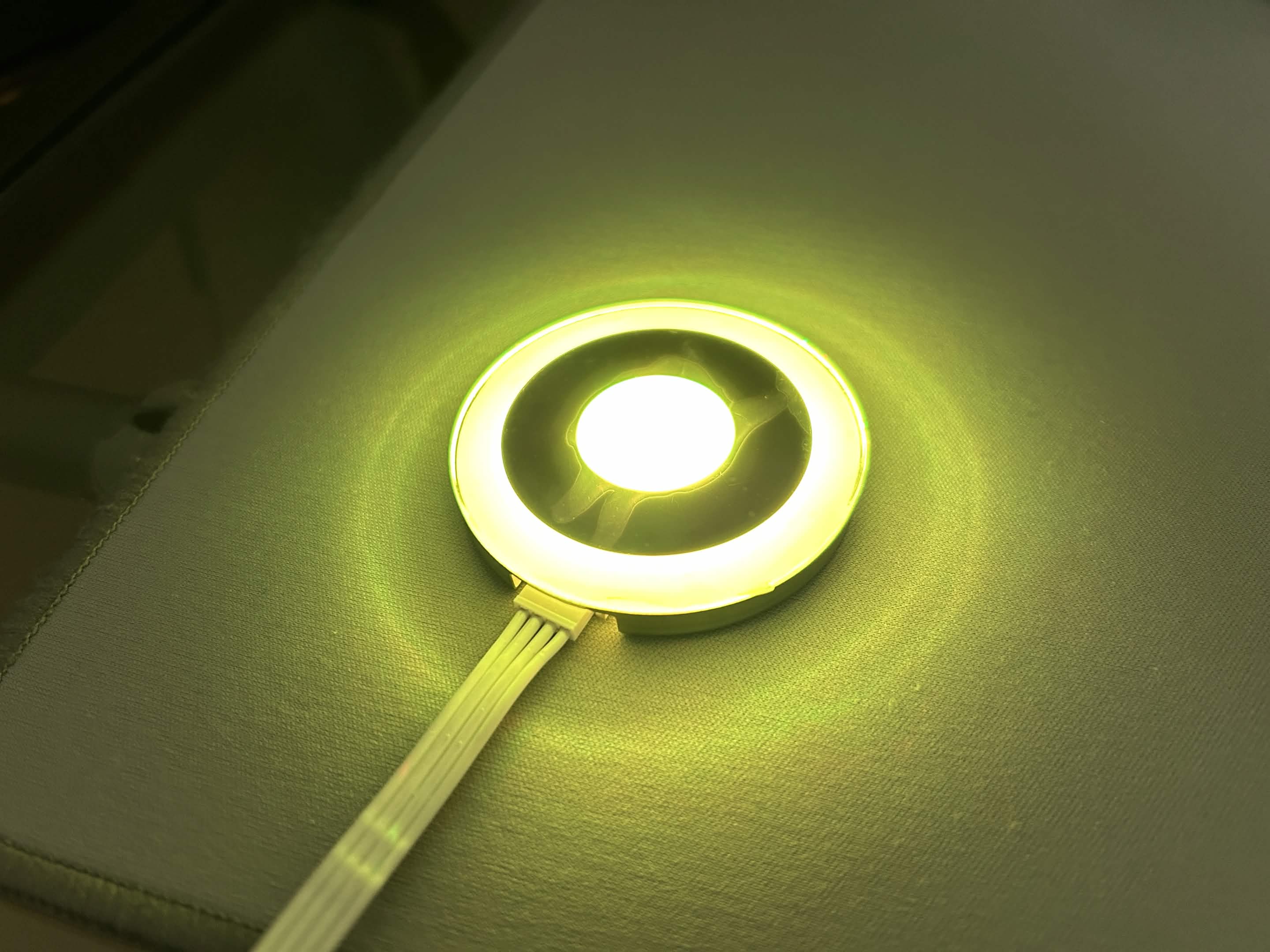
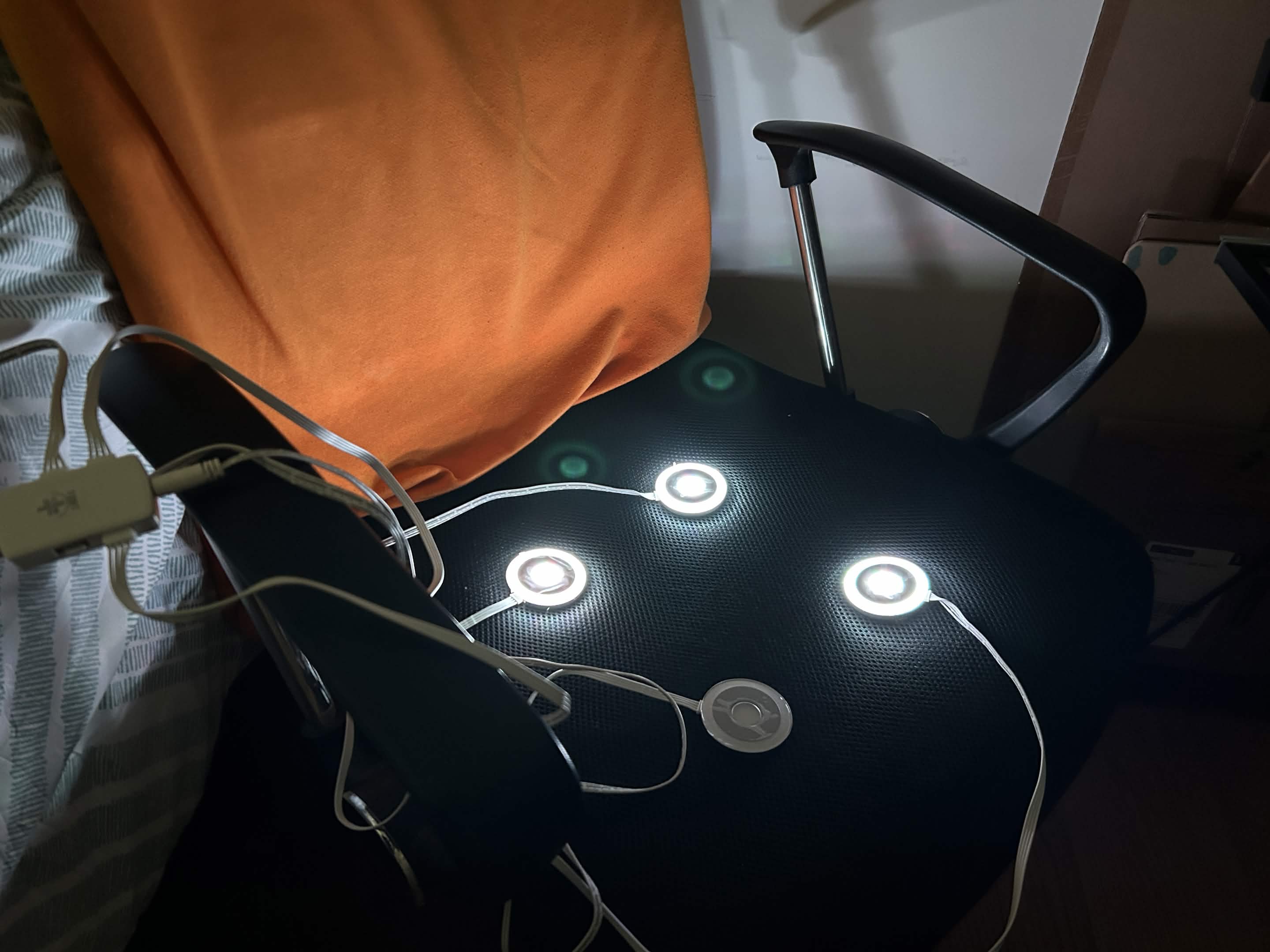
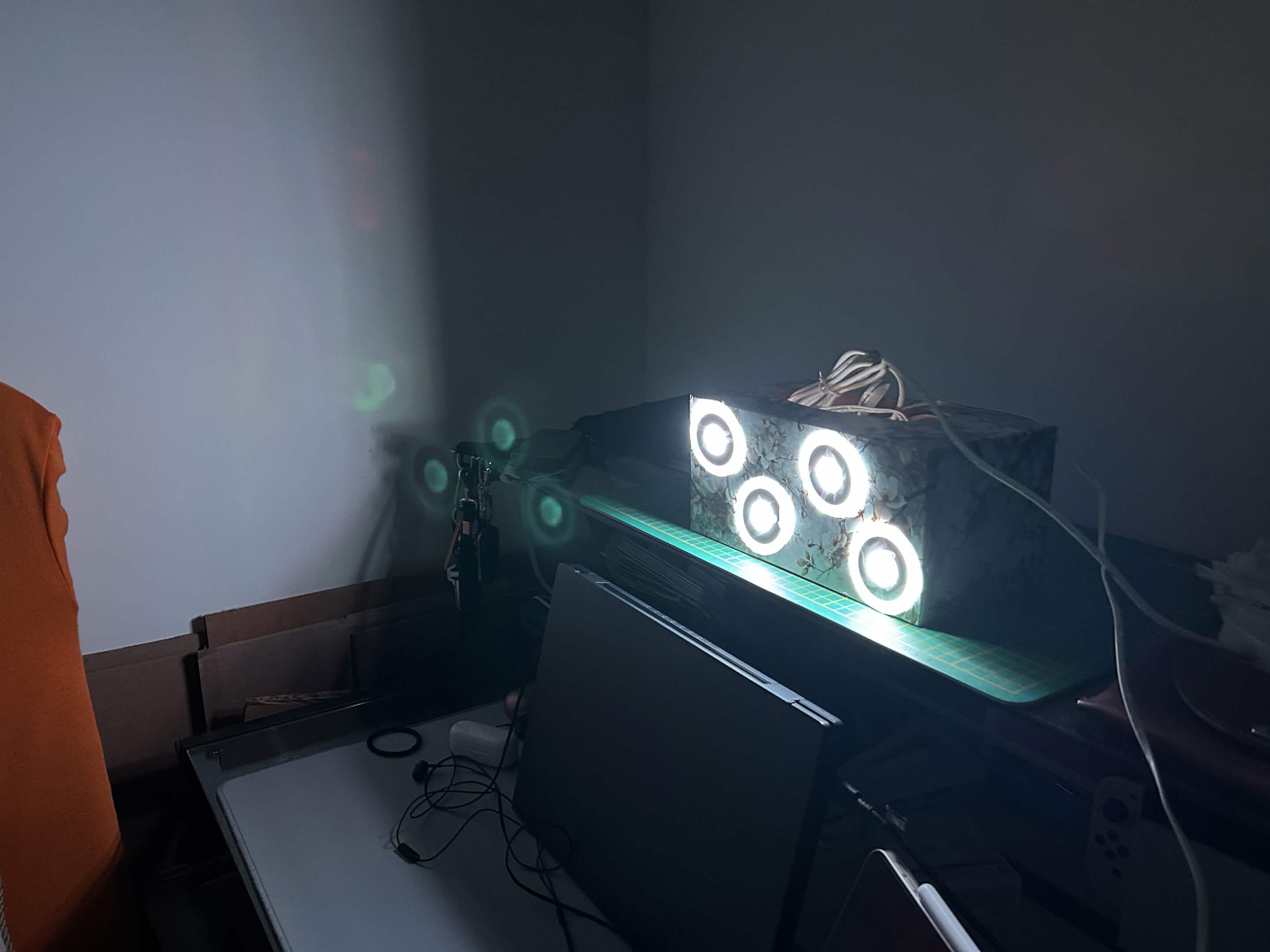
IKEA multicolour LED lighting set used for the experiment. Testing the different available lighting colours. Testing the automatic colour-changing modes. Comparing different light placements. Lights pointing towards the ceiling. Comparing the coverage of the number of lights. Testing brightness of threee lights.

Activity 2: My Research

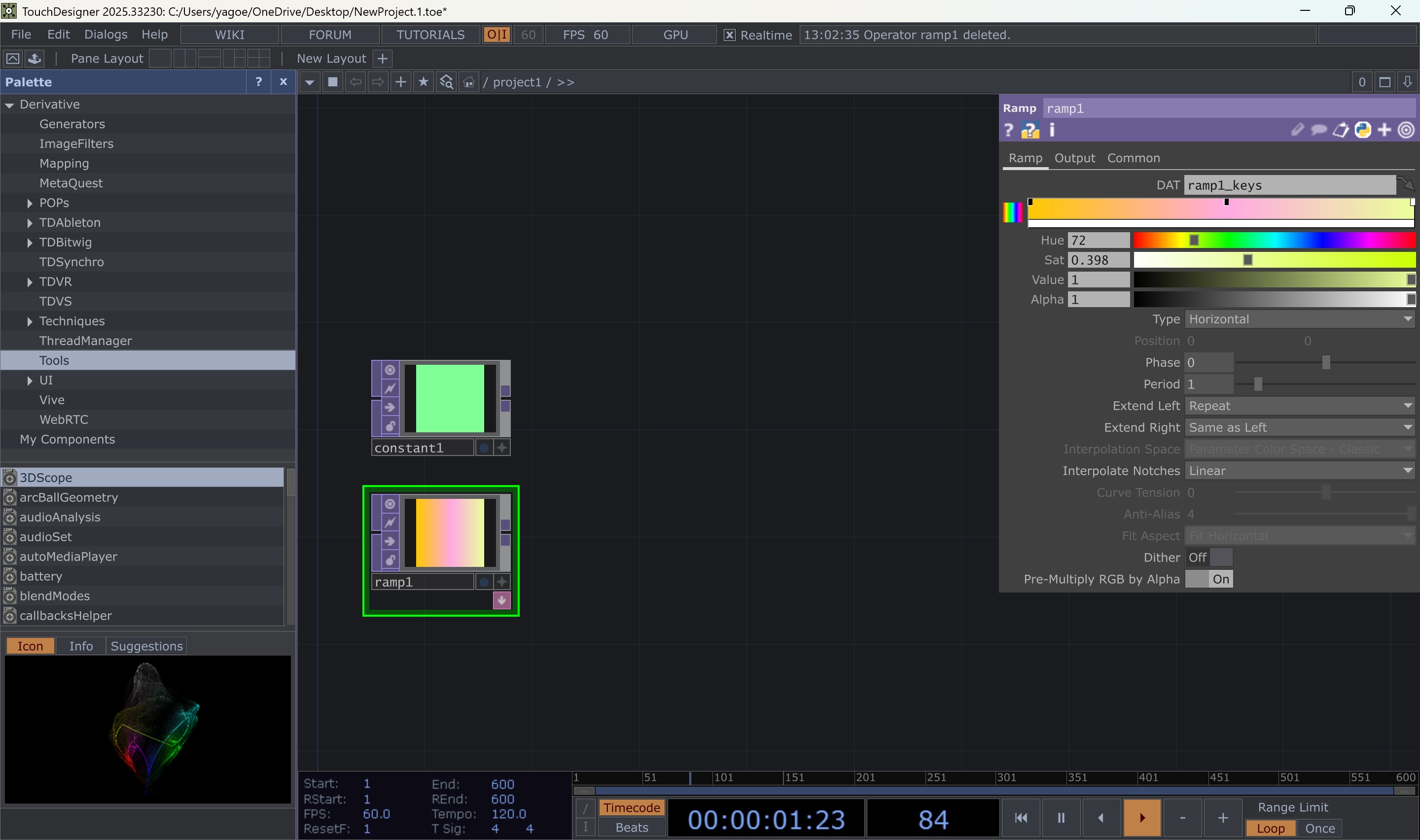
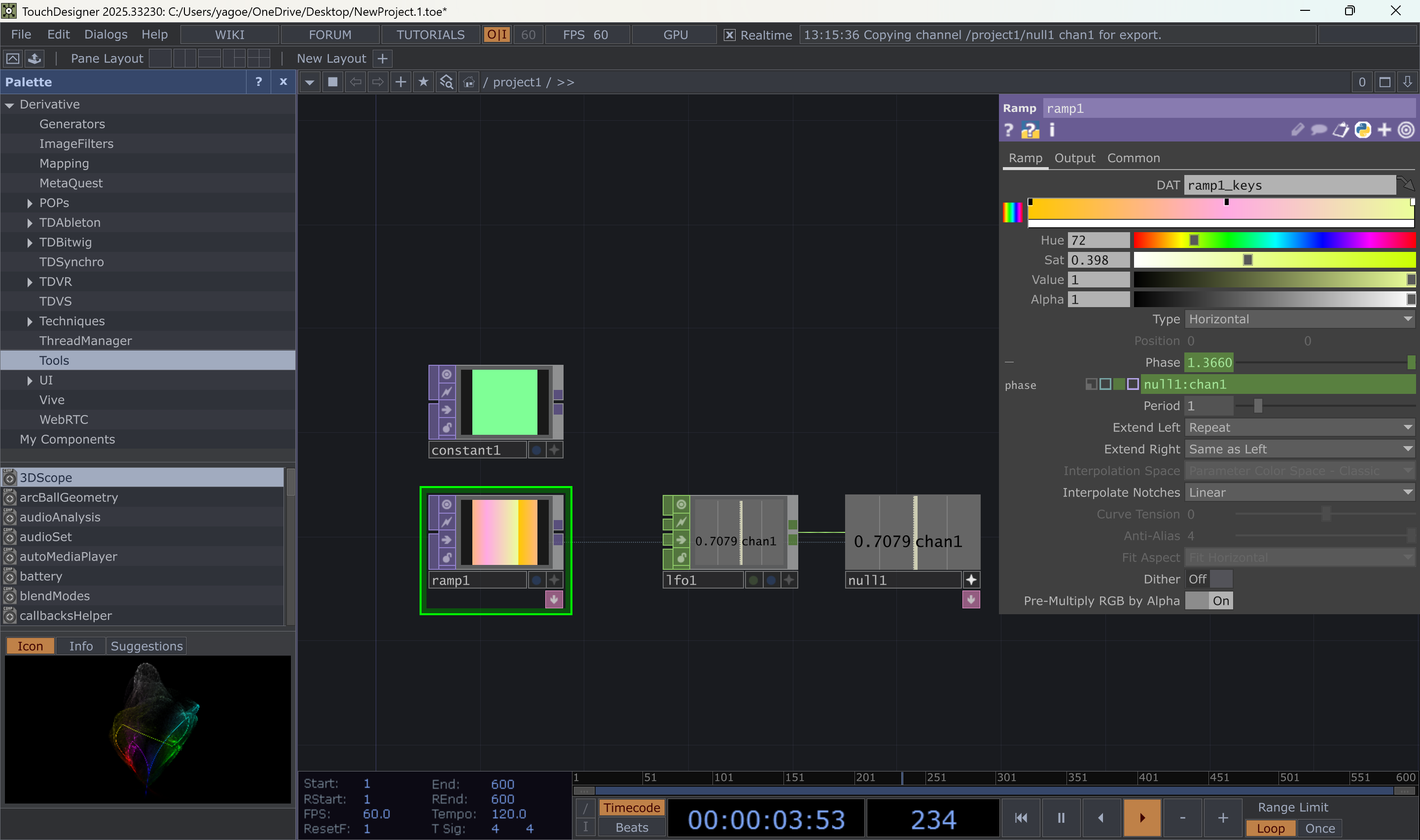
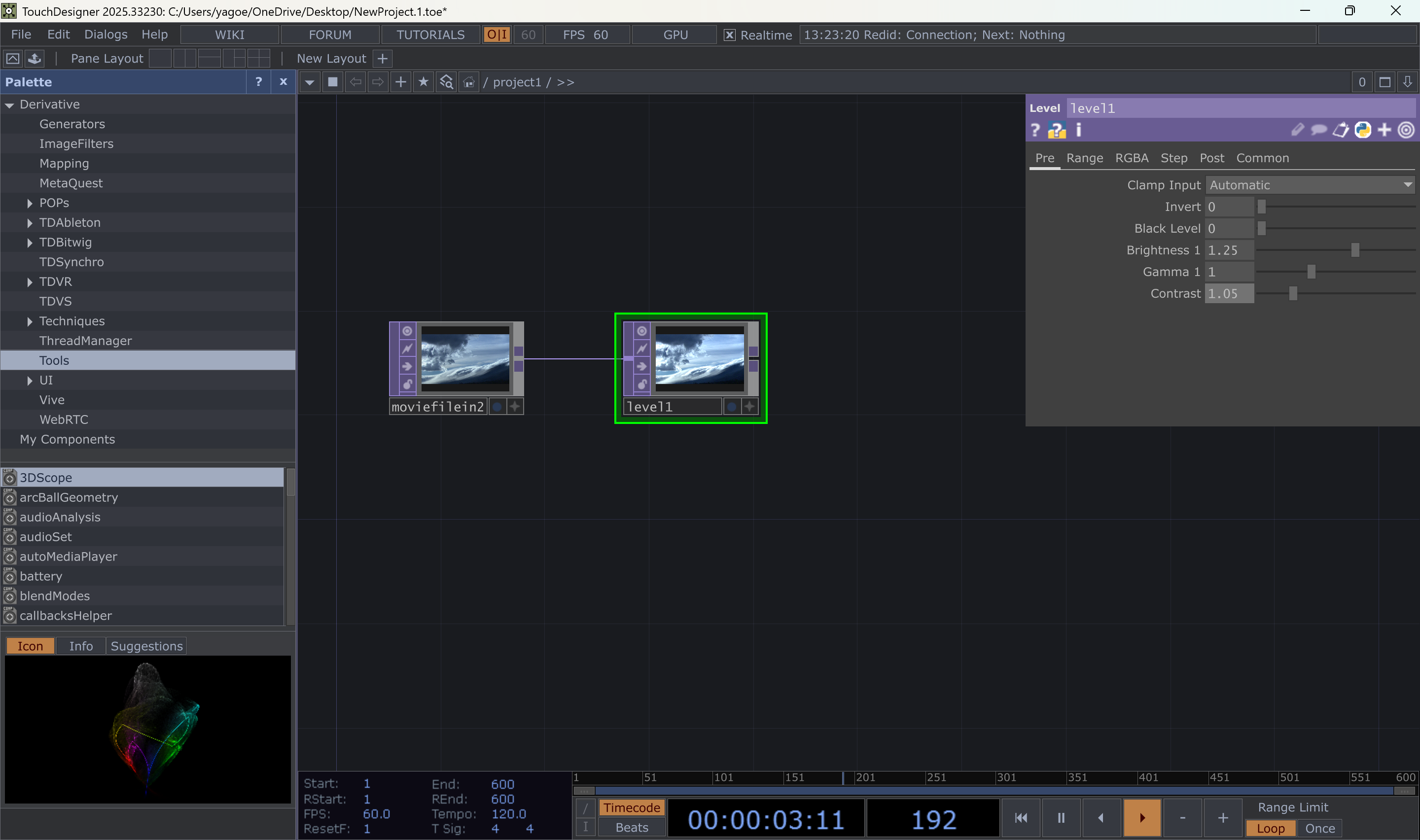
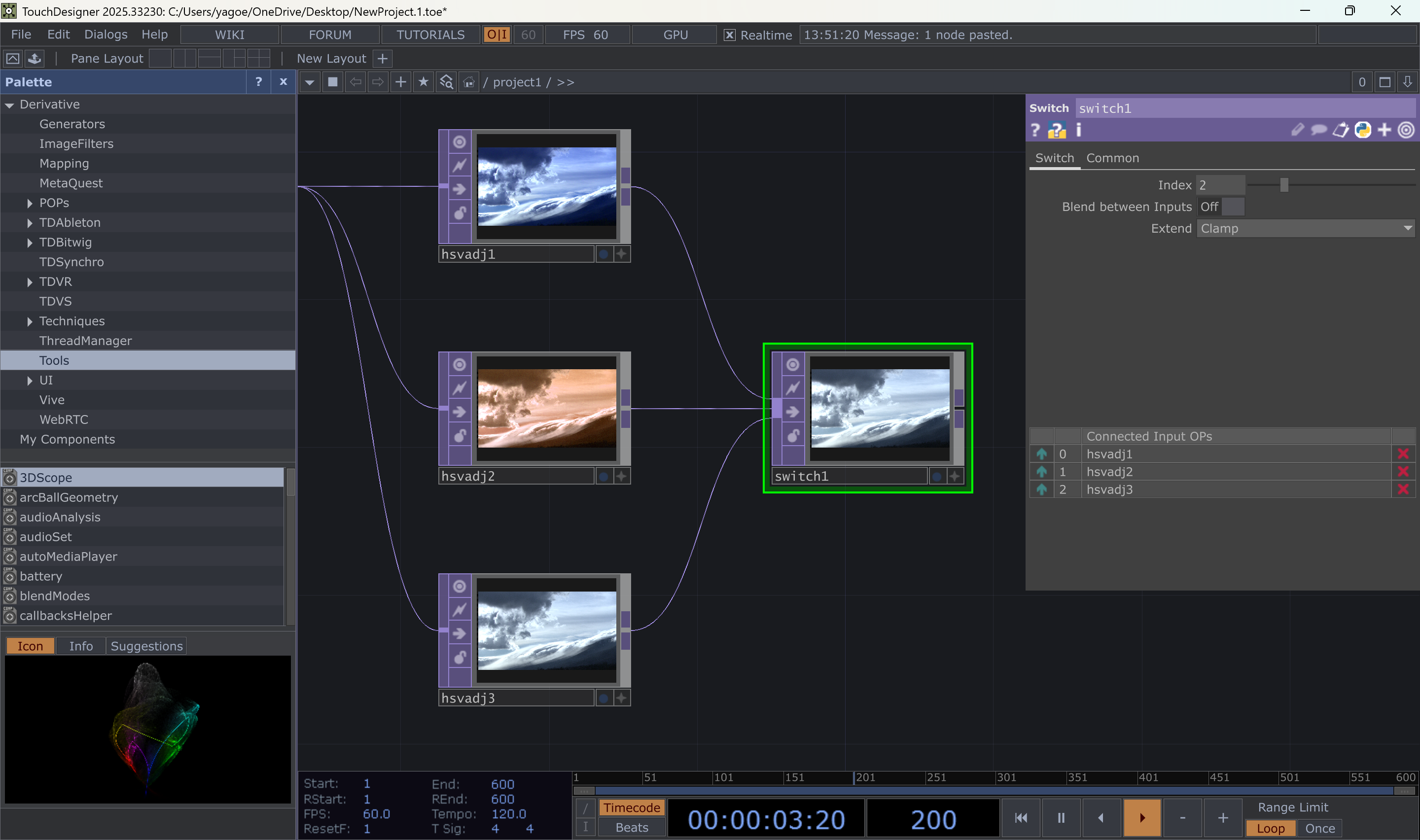
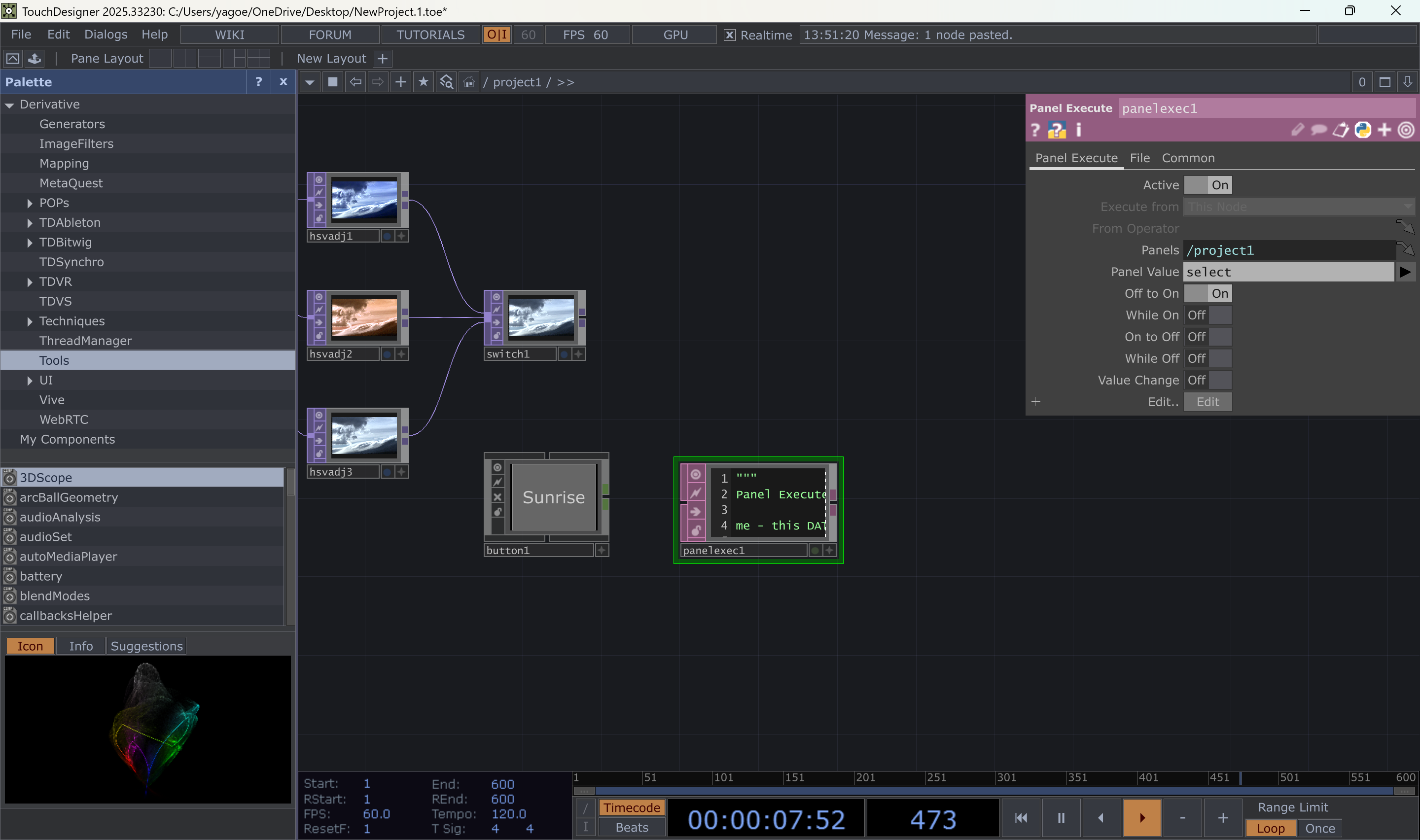
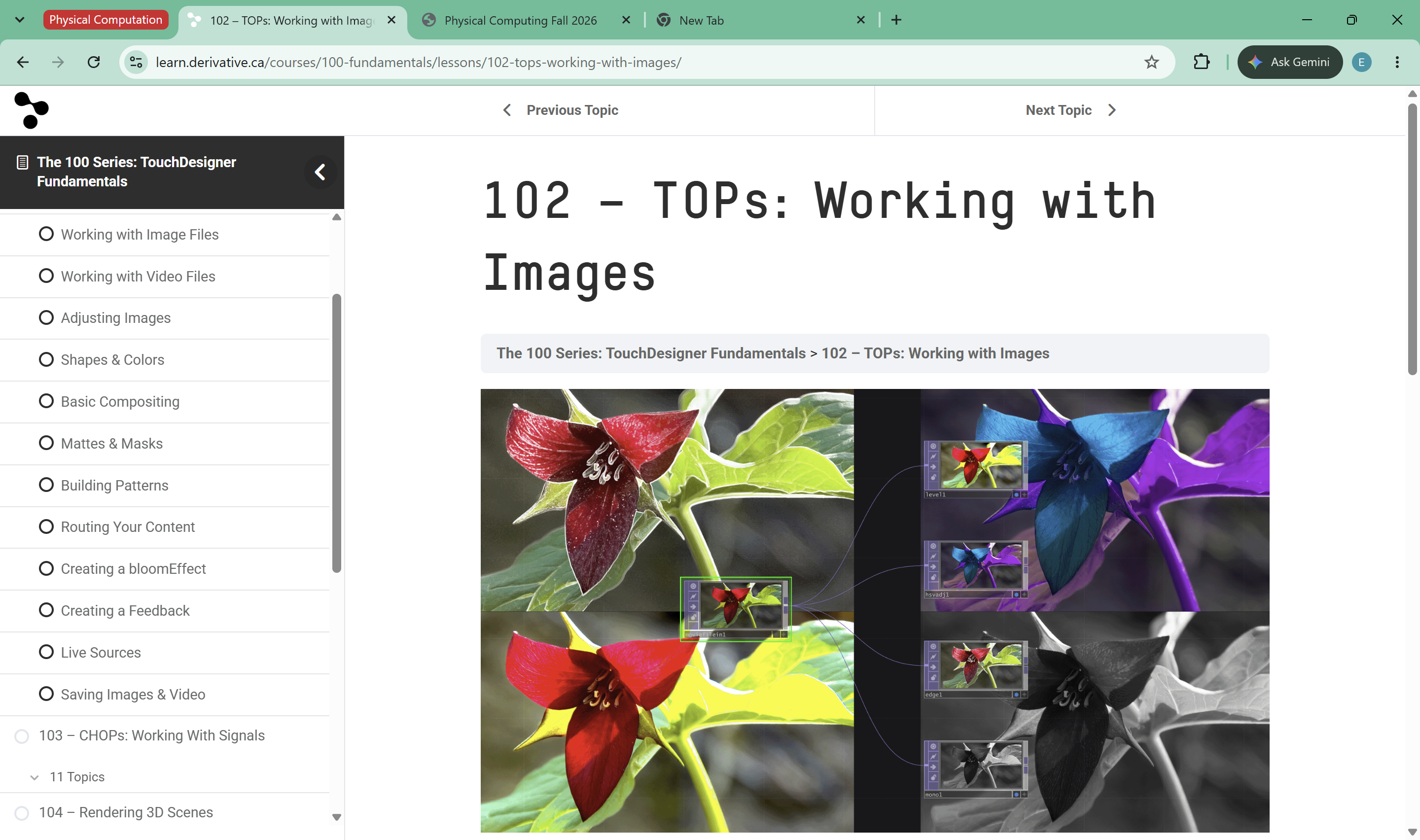
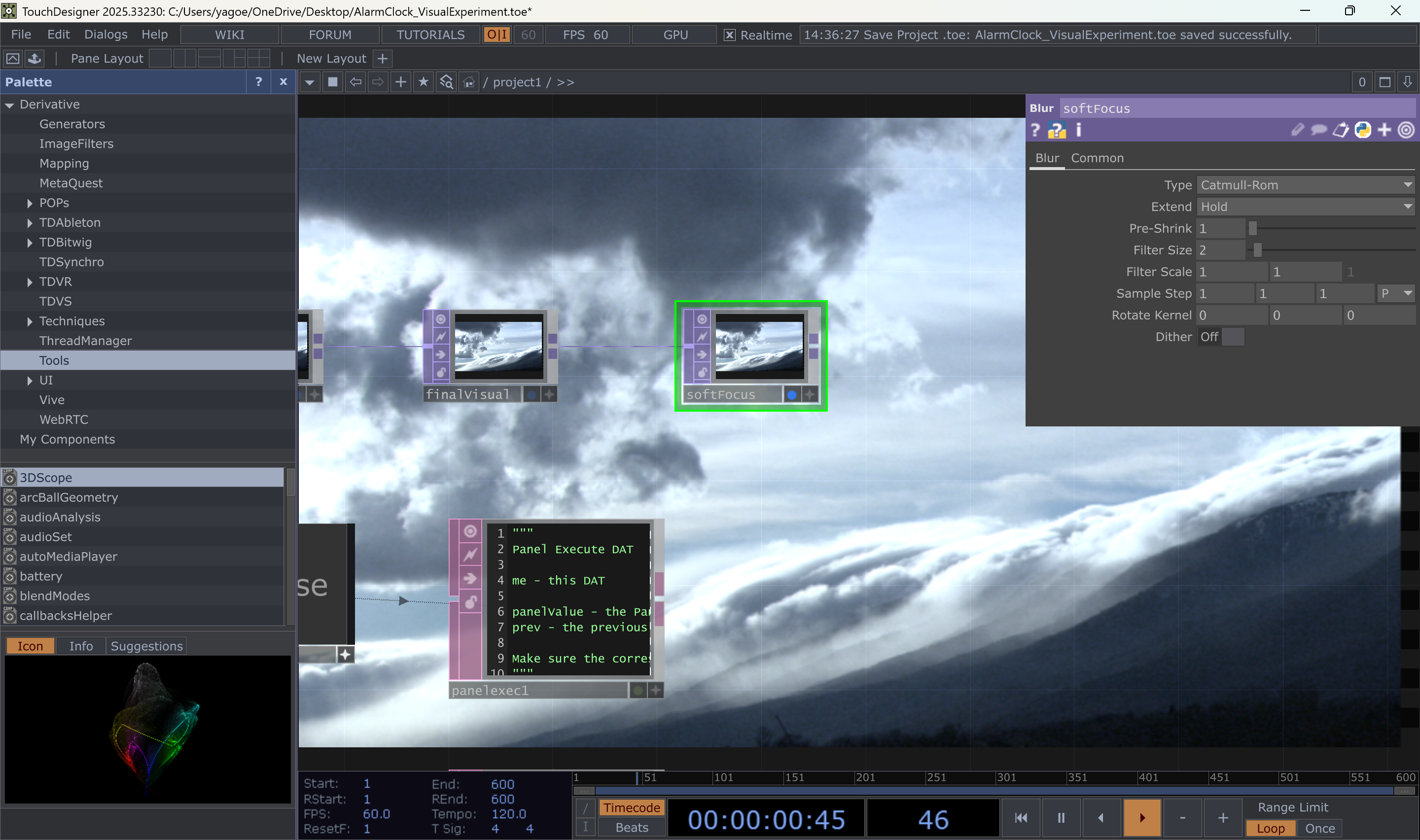
Changing the colour and adding a gradiant. Movement: Using an LFO and Transform TOP to move scenery horizontally. Image adjustments. Testing brightness, contrast and gamma. Adding colour variations. Cool, warm and soft tones. Button COMPs connected to the Switch TOP so you can change presets.

Additional Research or Workshops
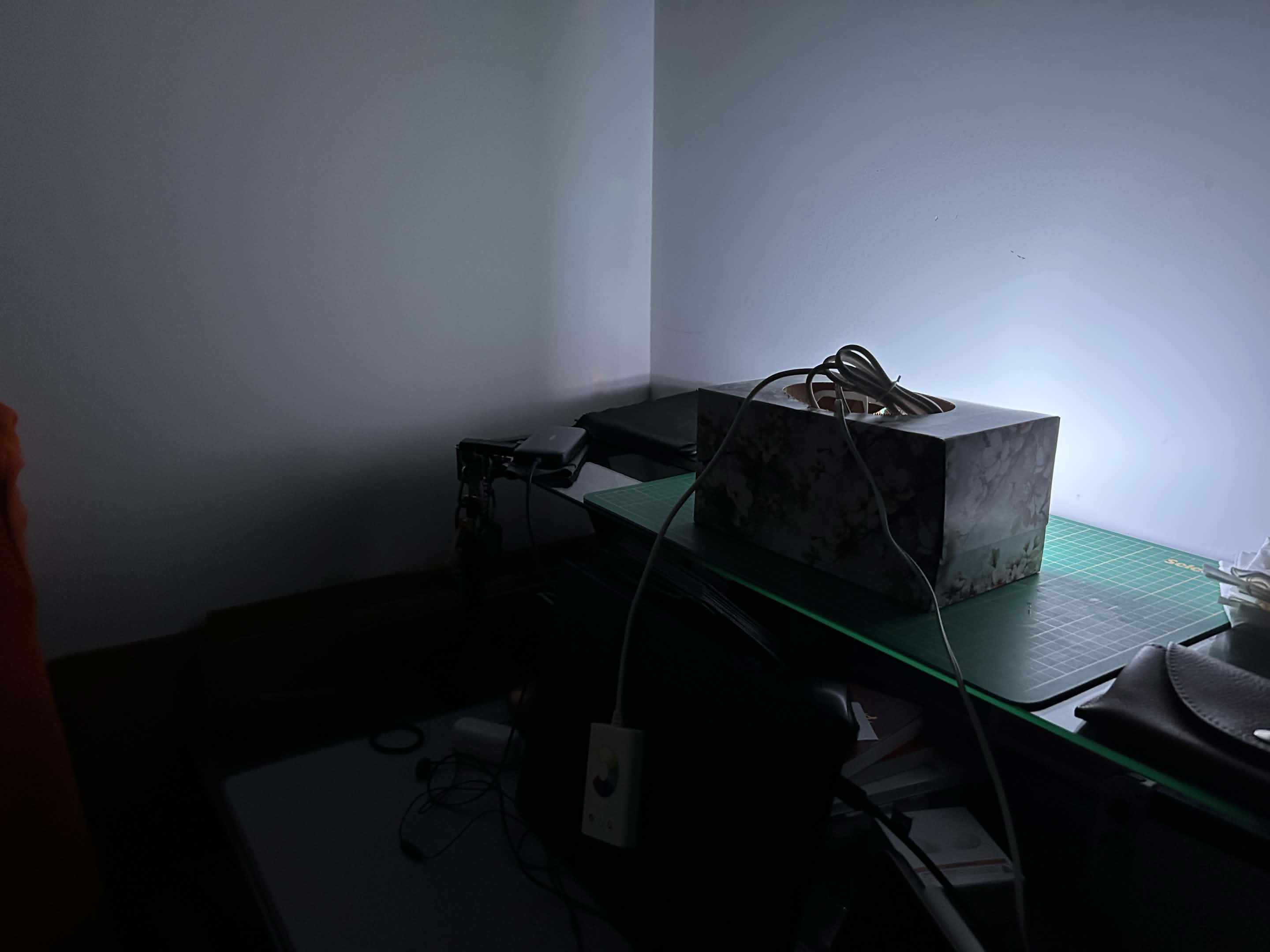
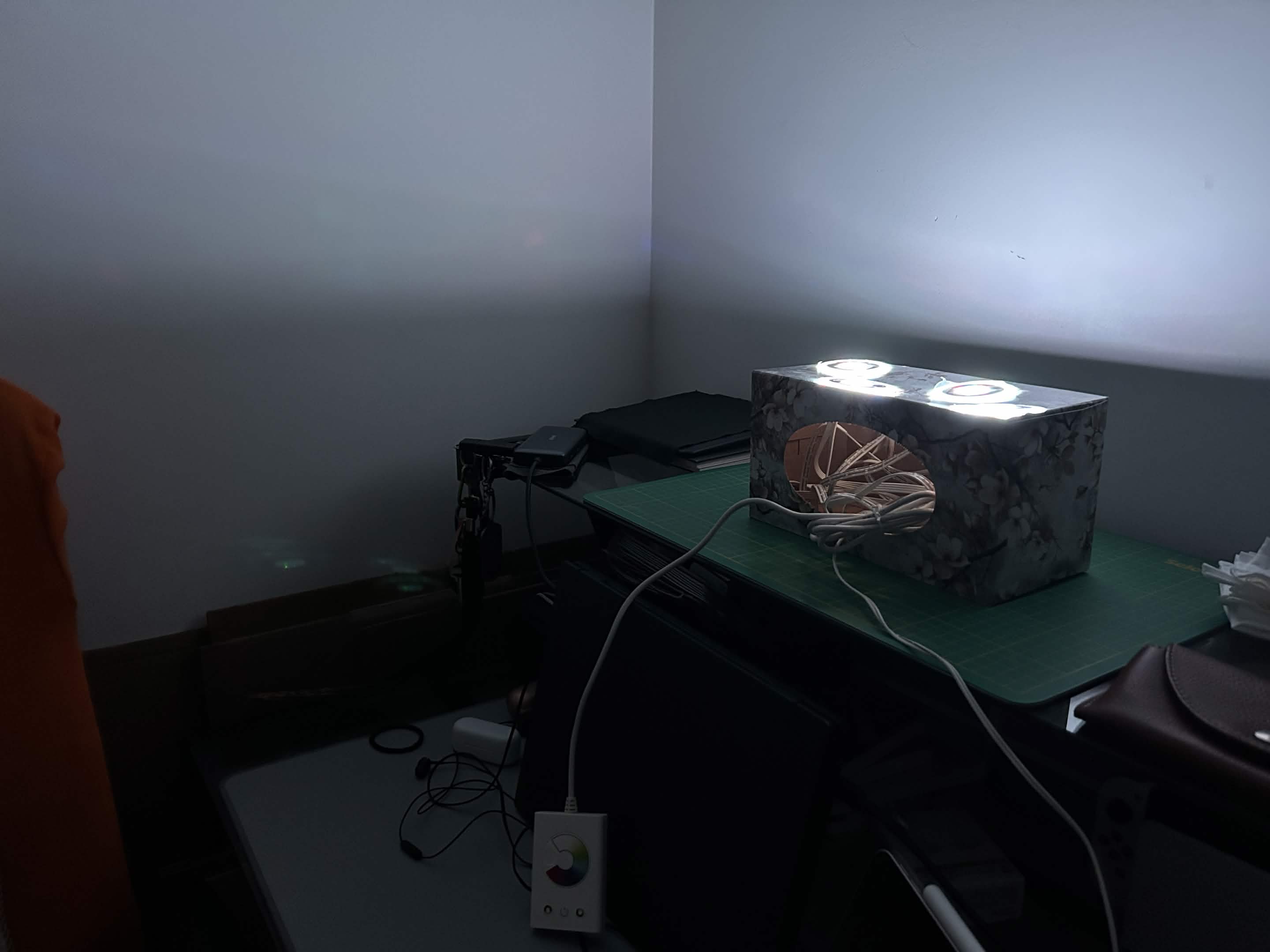
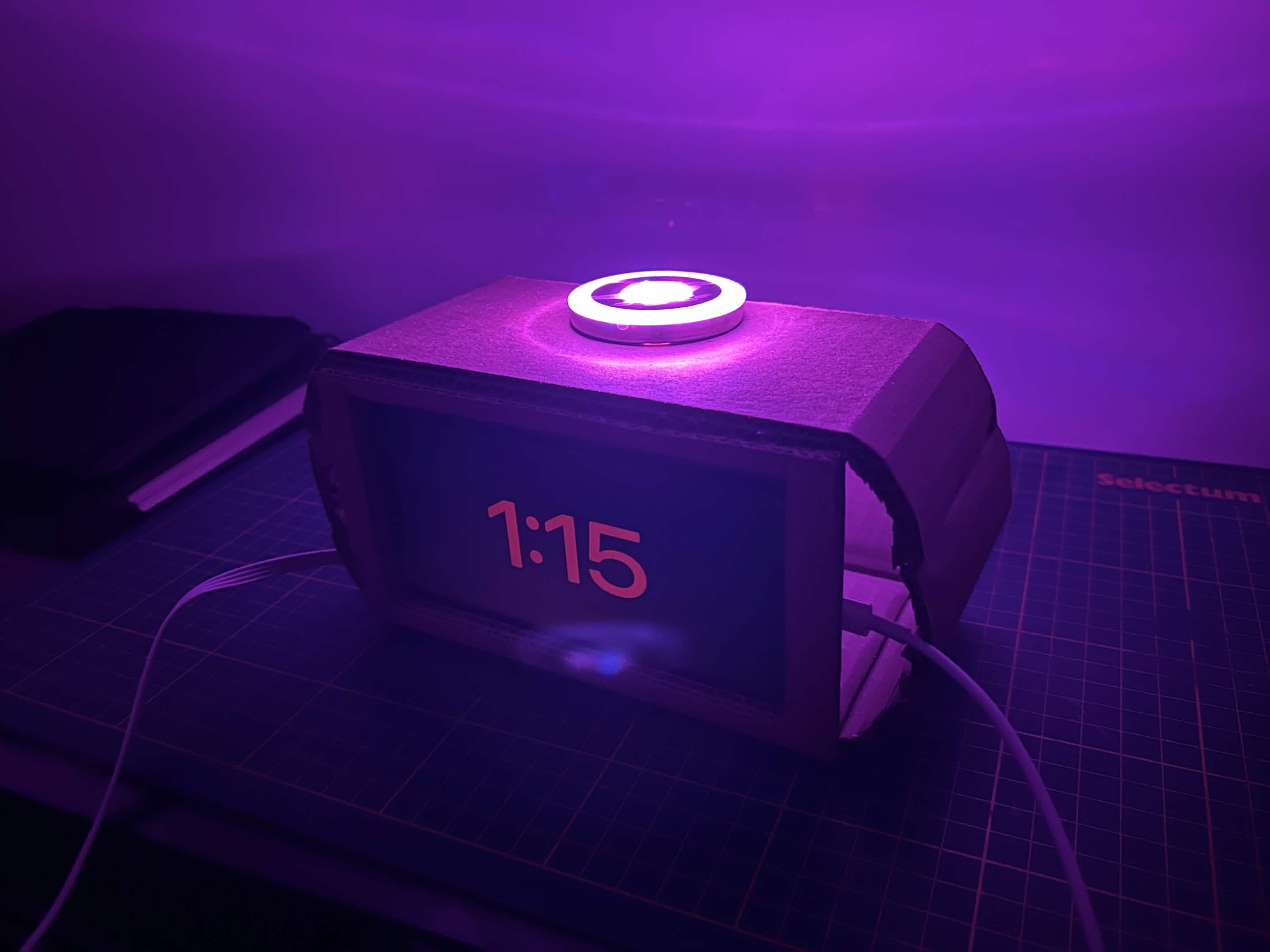
Lights facing the room. Emmitting the most lights. Lights facing the wall. The lights facing the wall emulating what the projector would do. A prototype of the clock with projecting a light as a placeholder for the projector. The tutorial I followed for activity 2 when researching how to use TouchDesigner. Experimenting with the focus of the projected image. It was not included in activity 2 as the look of it did not make sense.

Project 2


Project 2 Prototype

Our final prototype is a cardboard alarm clock with a phone display, a snooze area and a cutout for the PIR motion sensor.
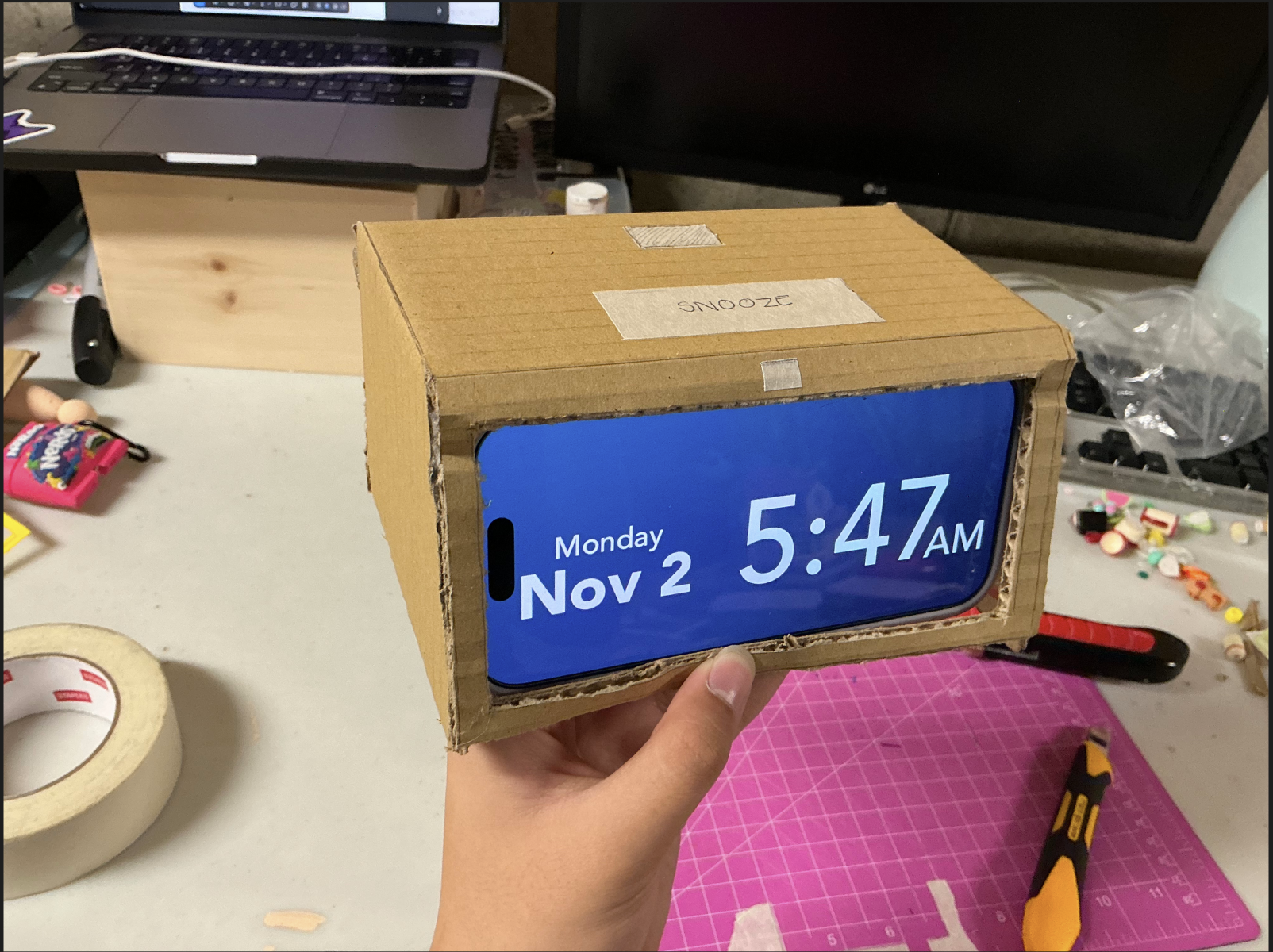
Final group prototype showing the cardboard alarm clock enclosure, phone display, top snooze area and PIR sensor opening.
×

Powered by w3.css