Module 2 Formstorming

Weekly Activity Template

Edith Yago — Sound Visualization and Interactive Media


Project 2


Module 2

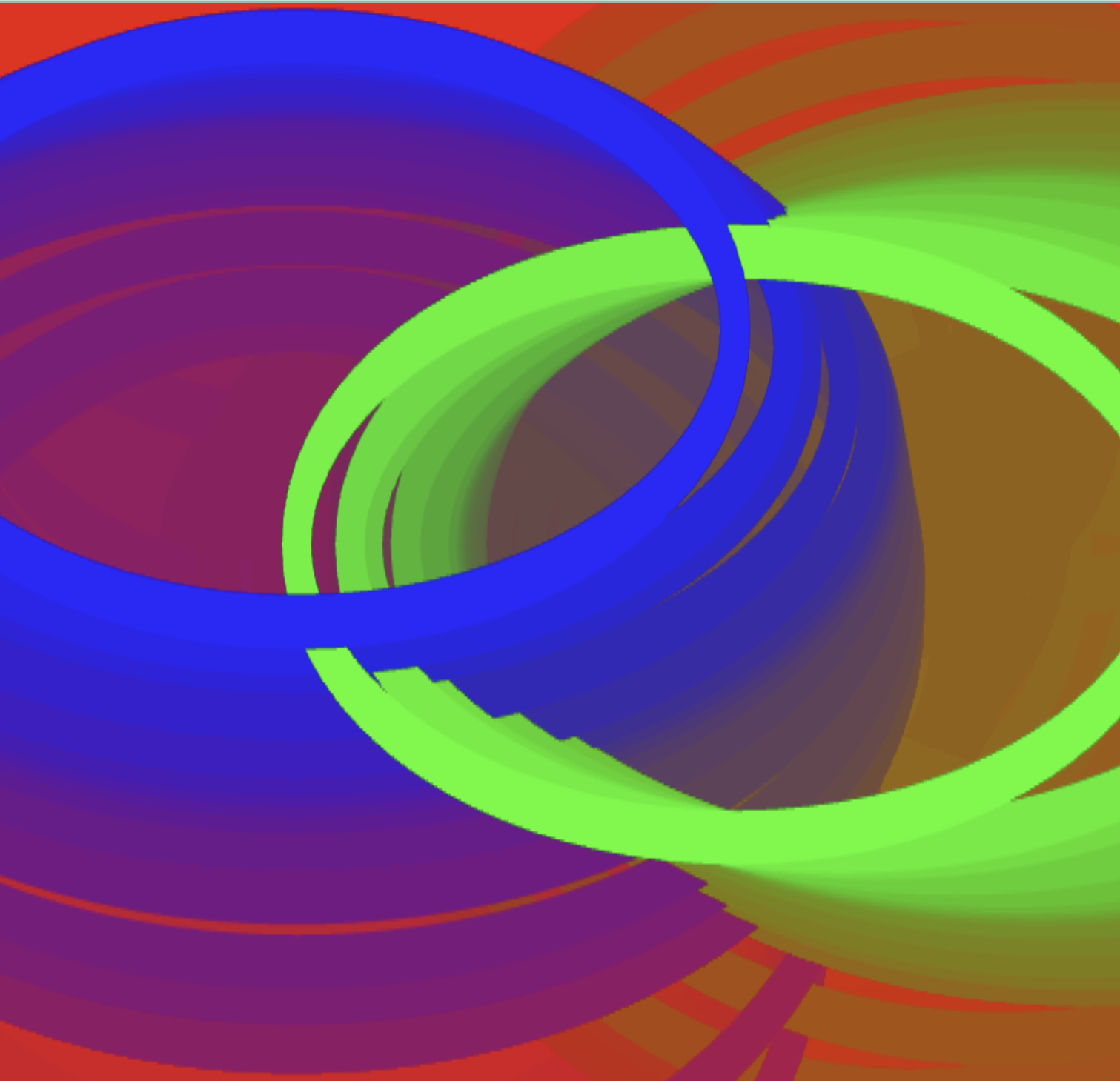
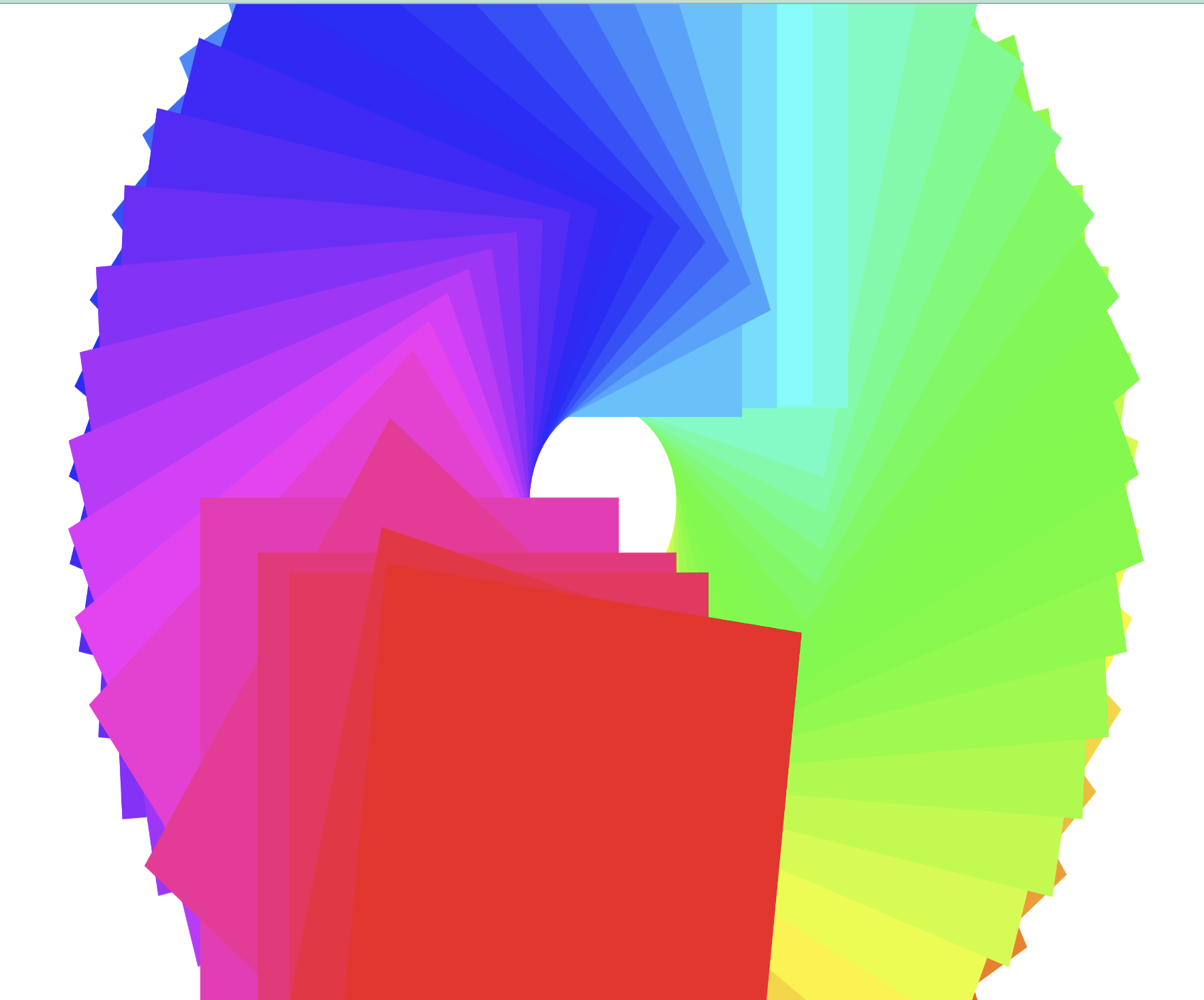
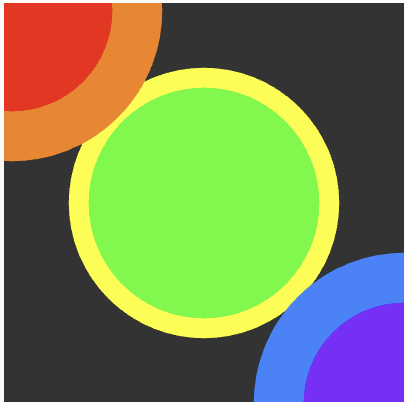
This project explores the relationship between sound and visual form. Using p5.js, audio amplitude is translated into coloured geometric shapes that grow, move, and leave outlines on the canvas. Inspired by synesthesia and chromesthesia, the system allows users to generate unique abstract compositions through sound interaction.

Activity 1

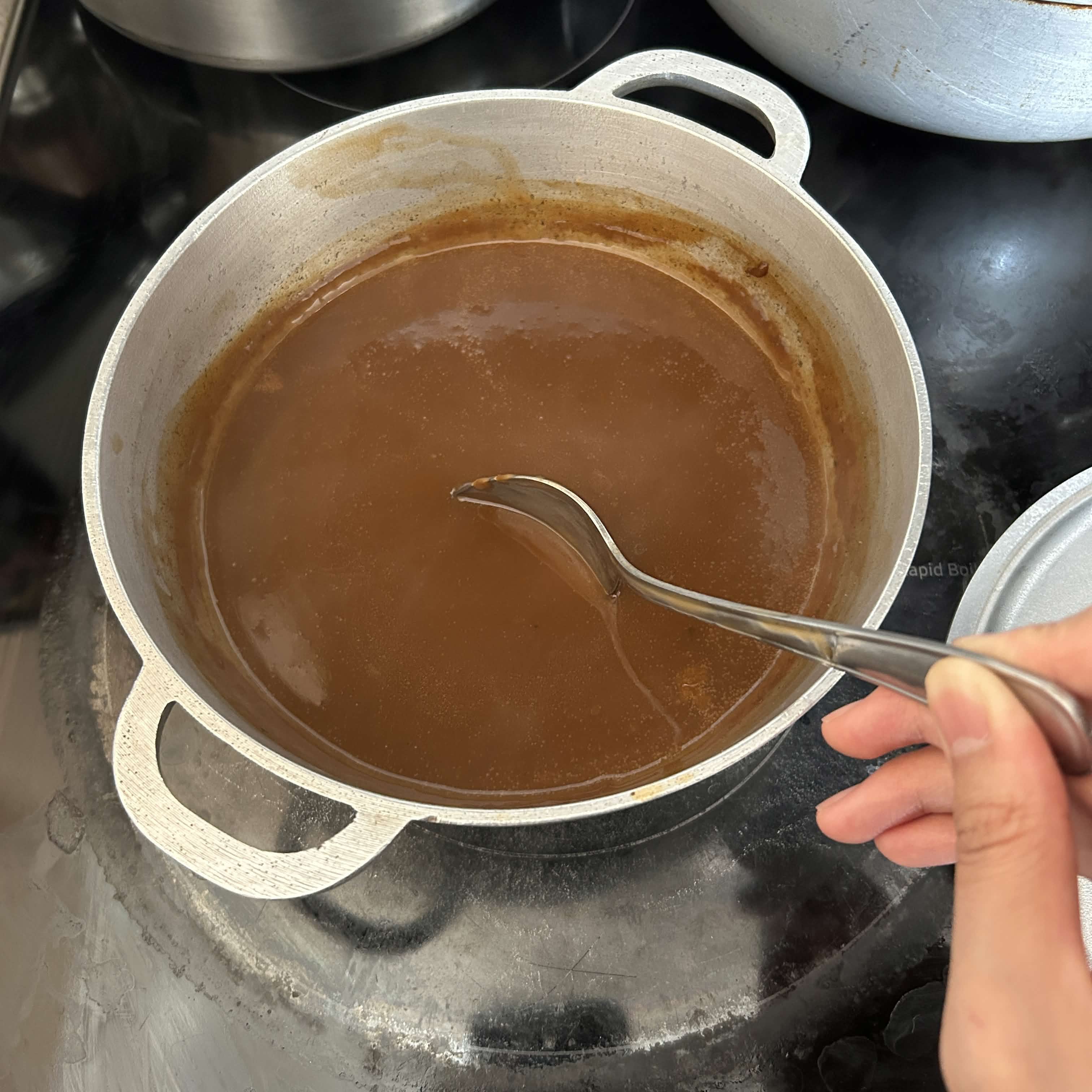
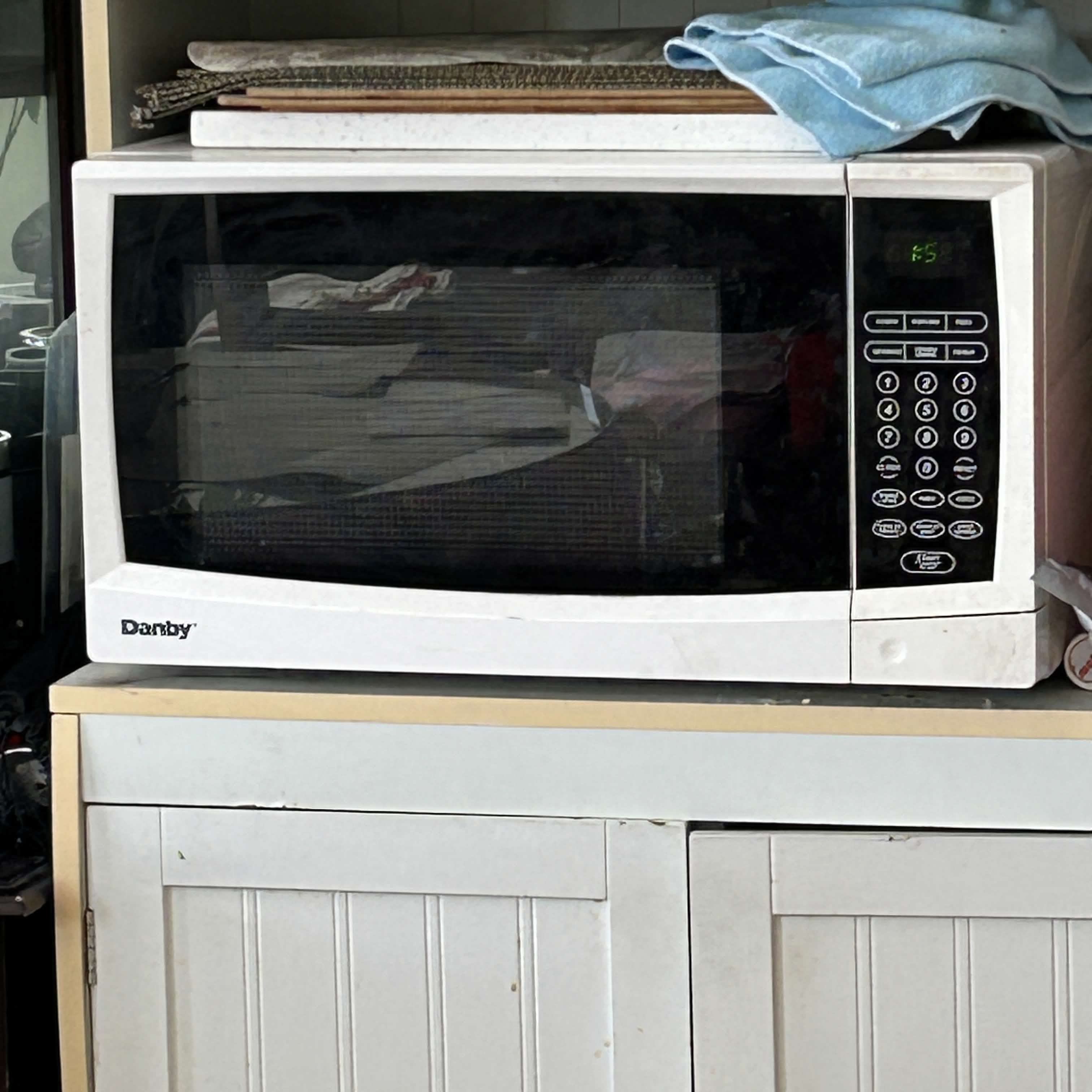
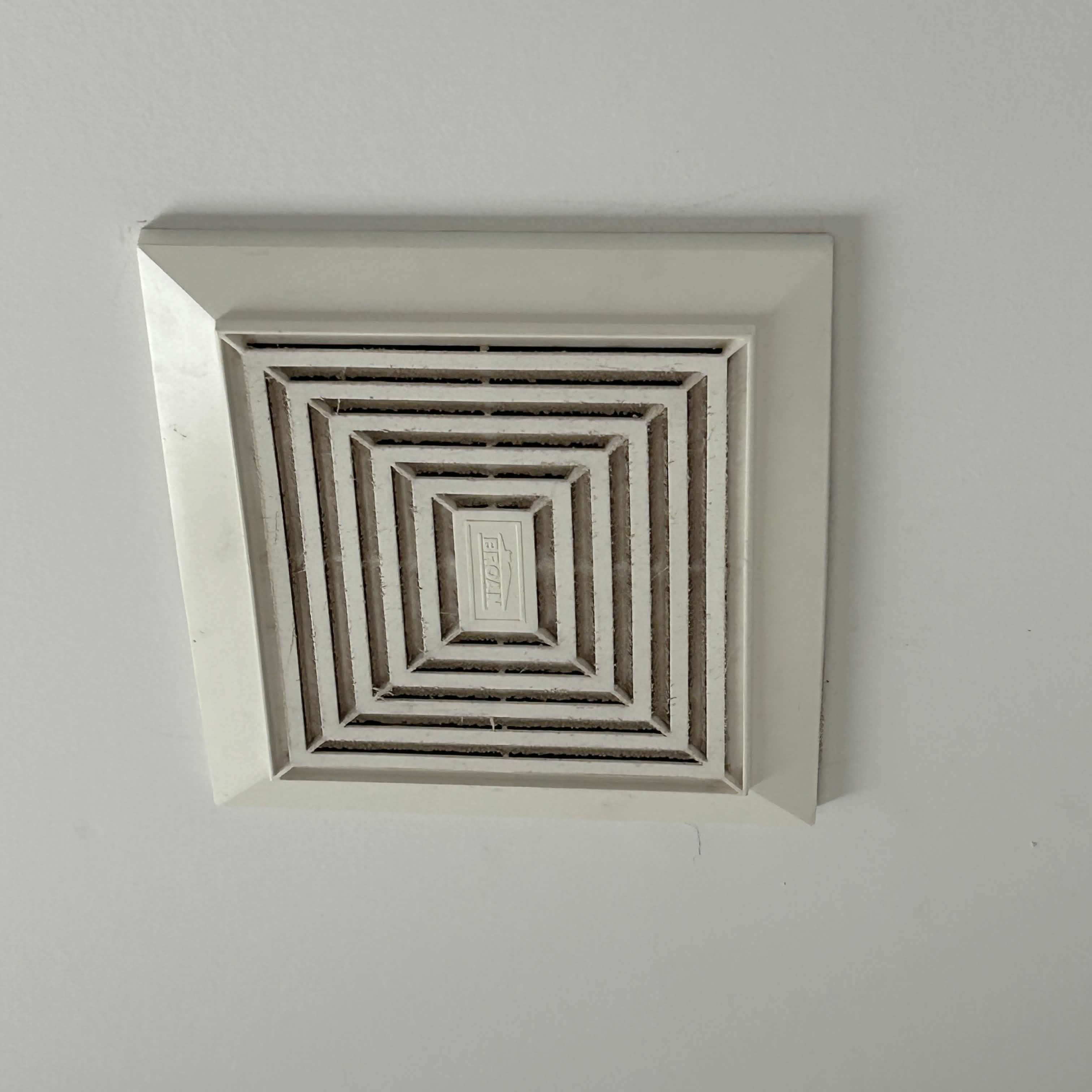
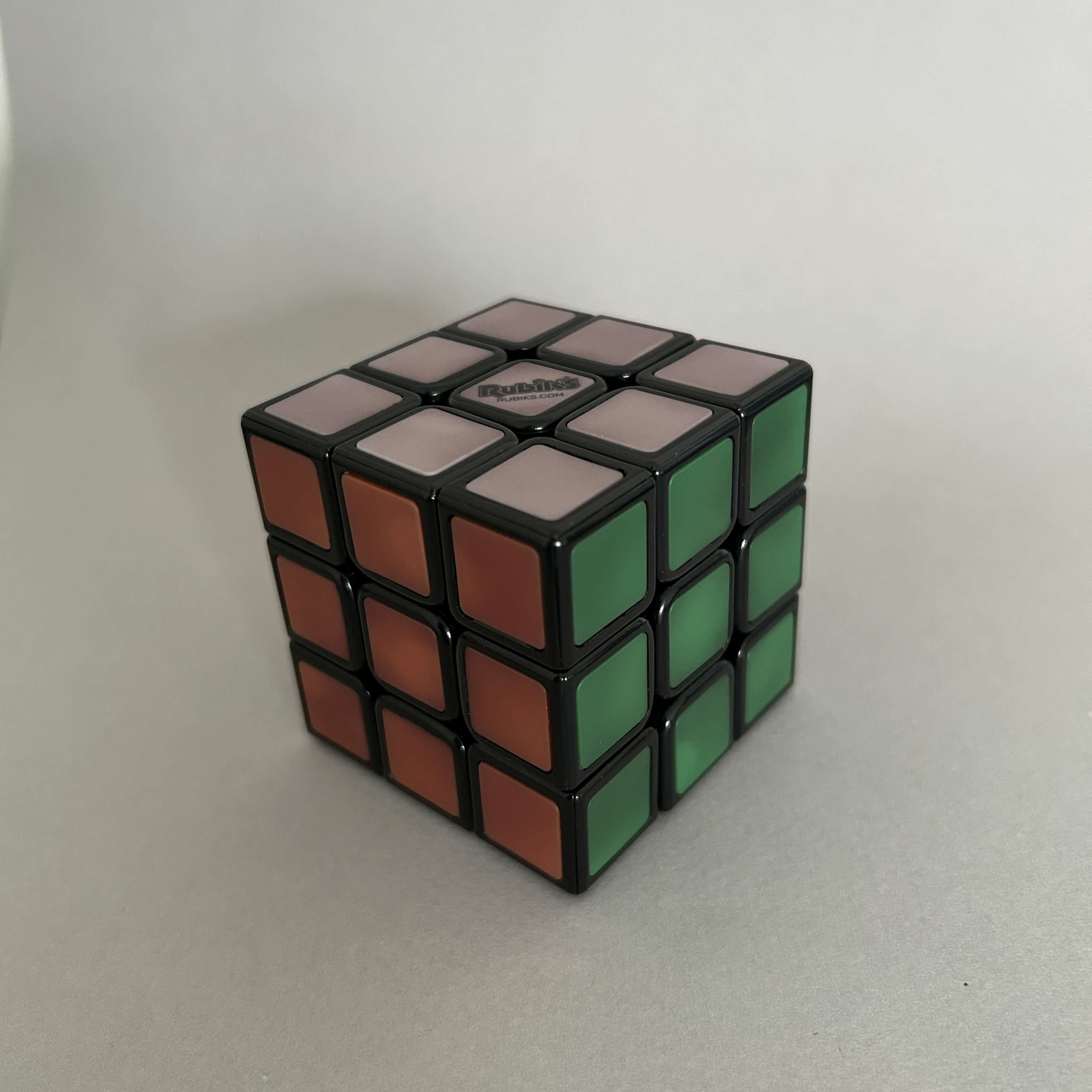
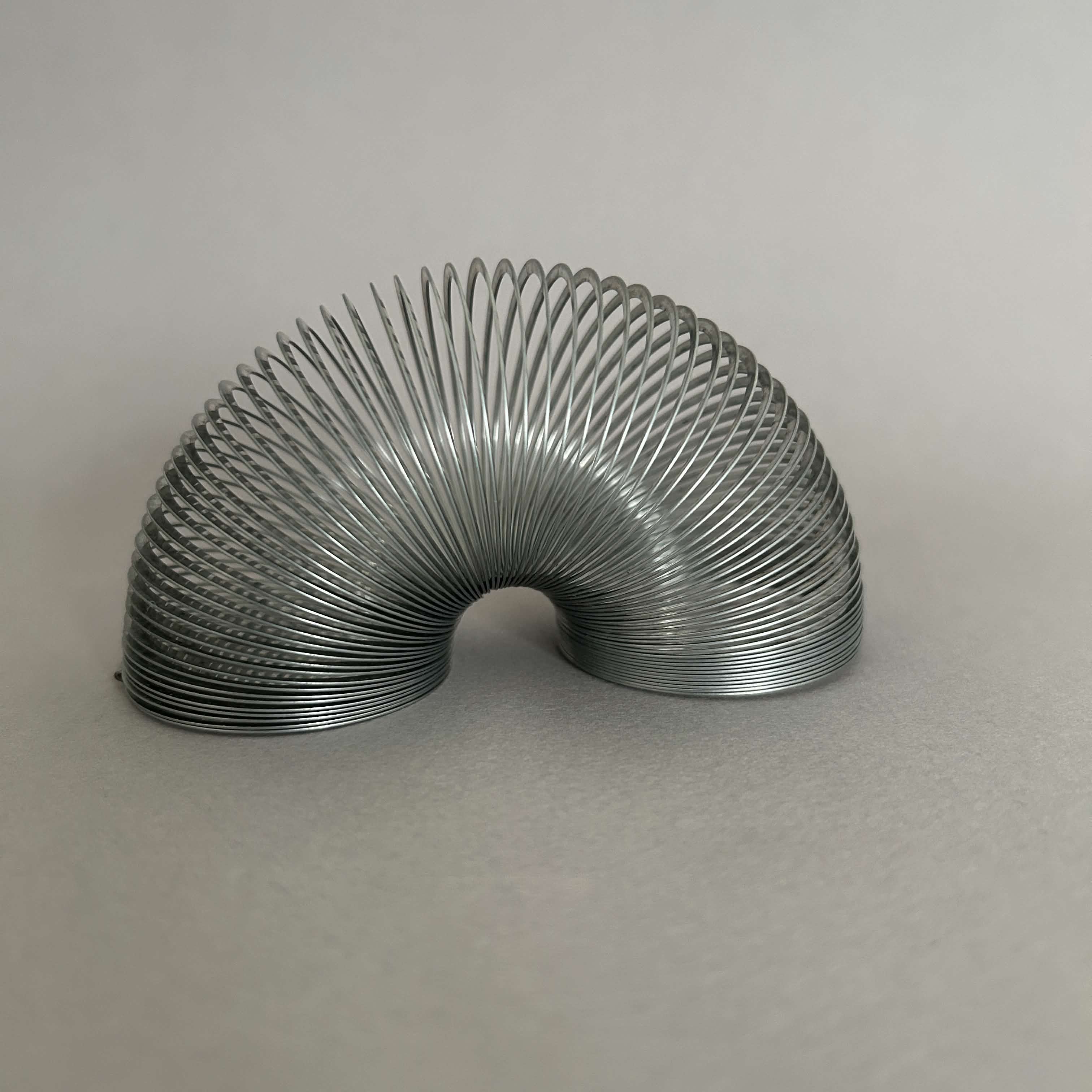
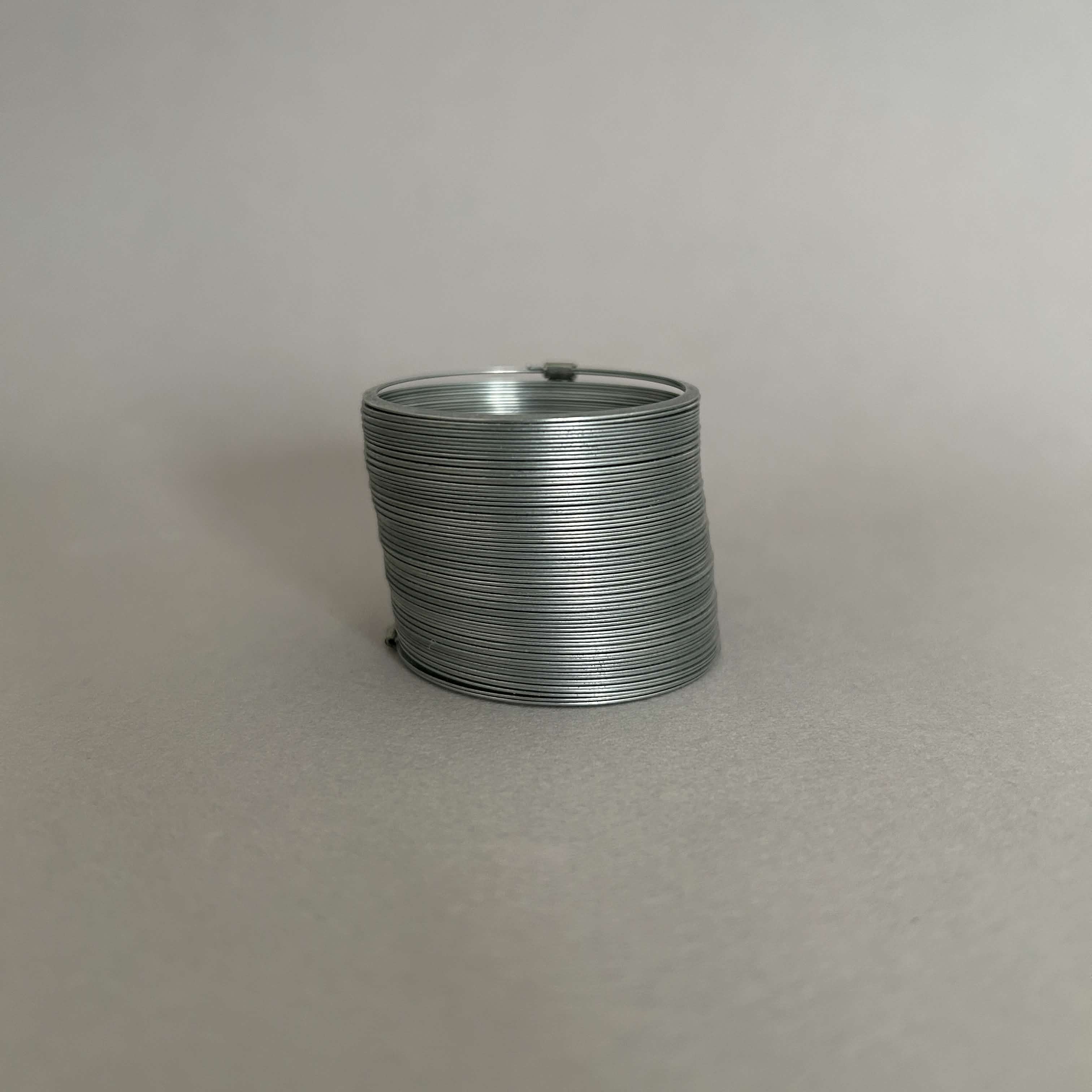
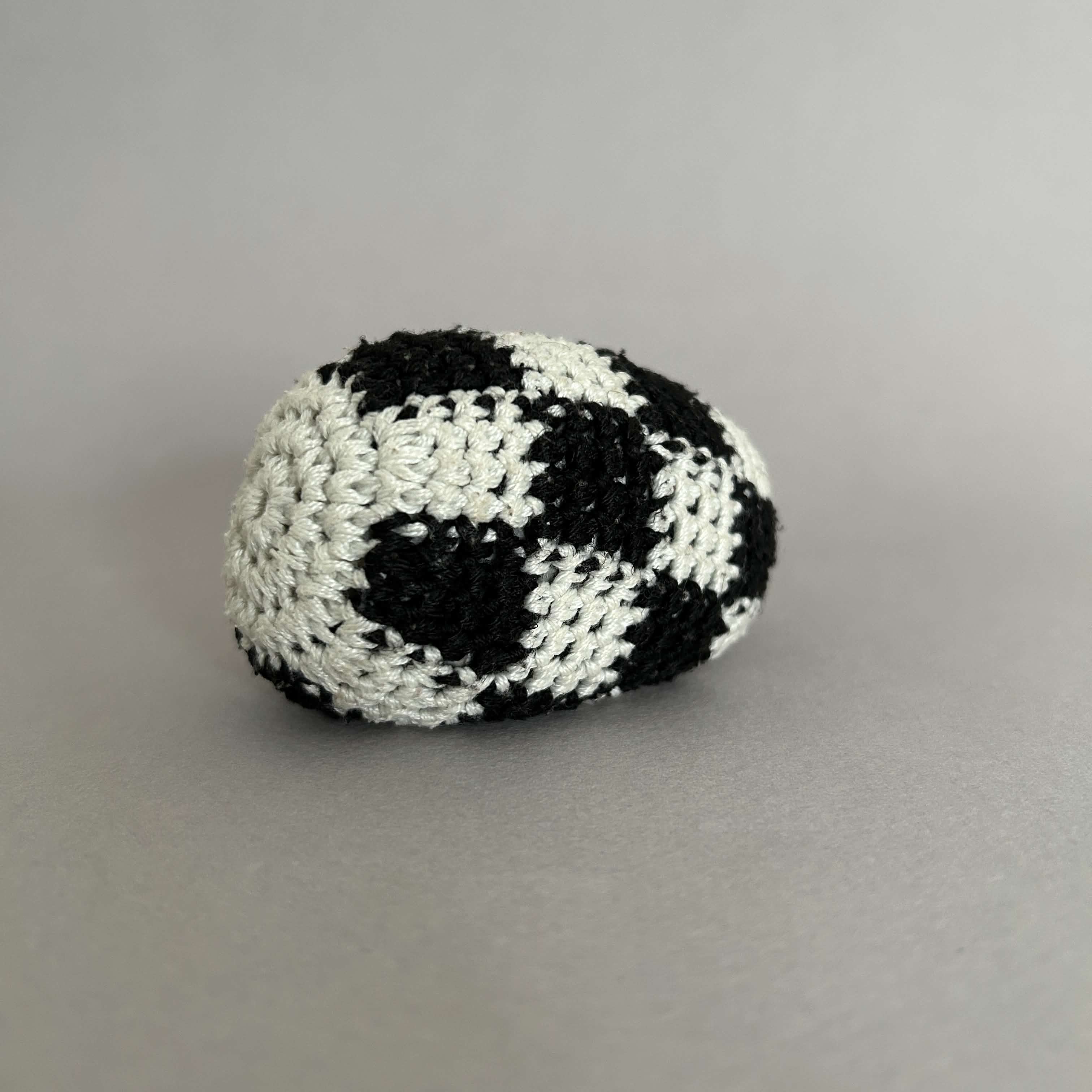
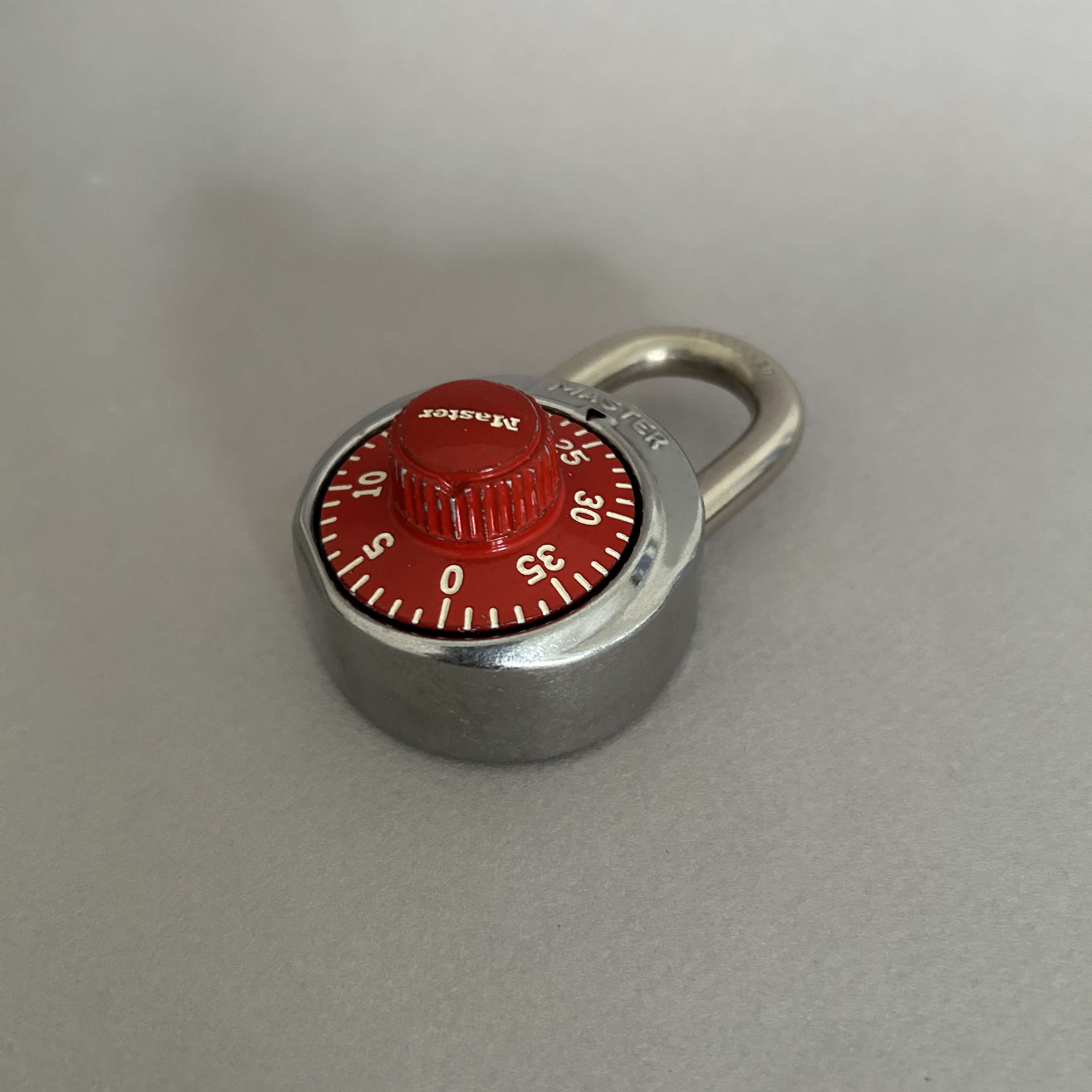
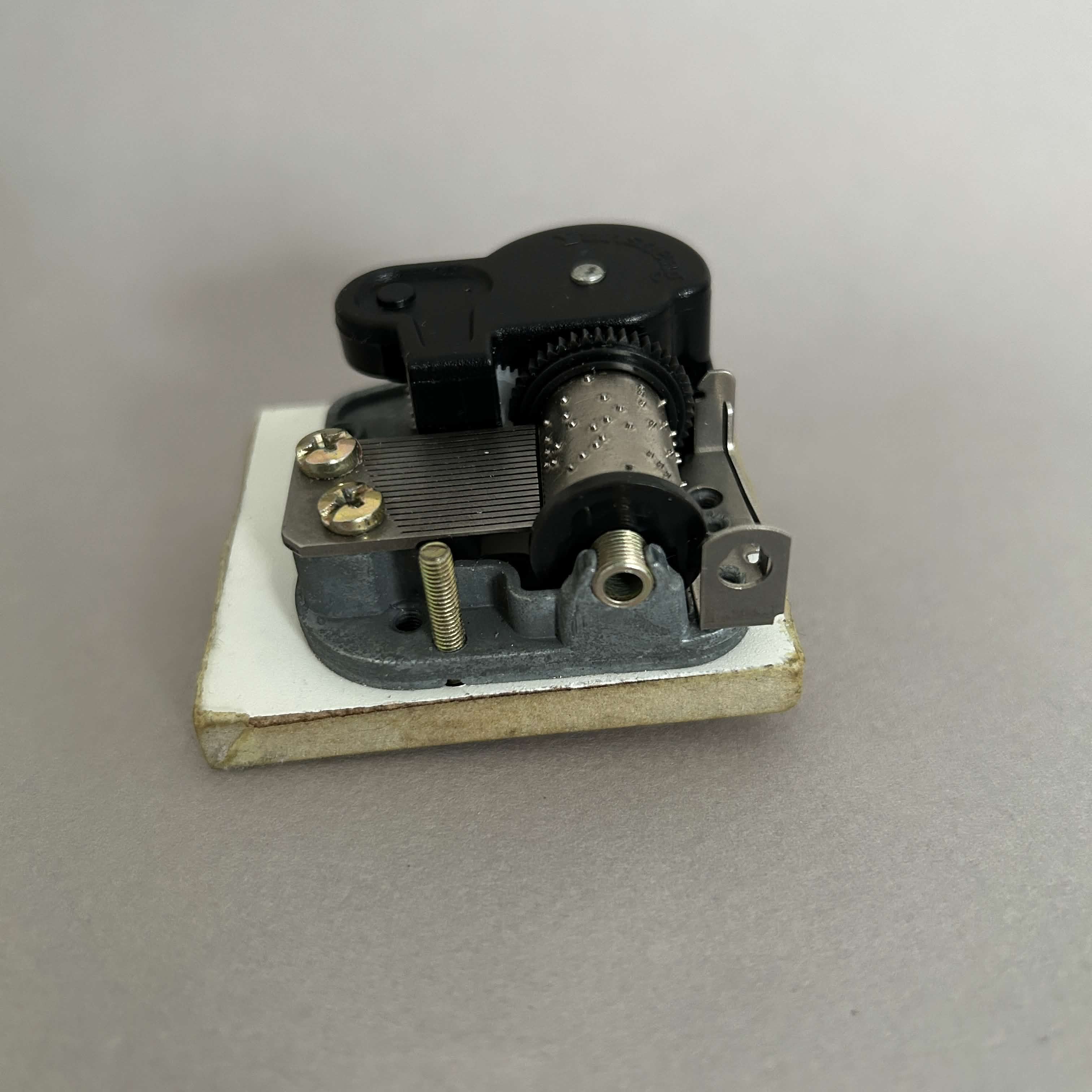
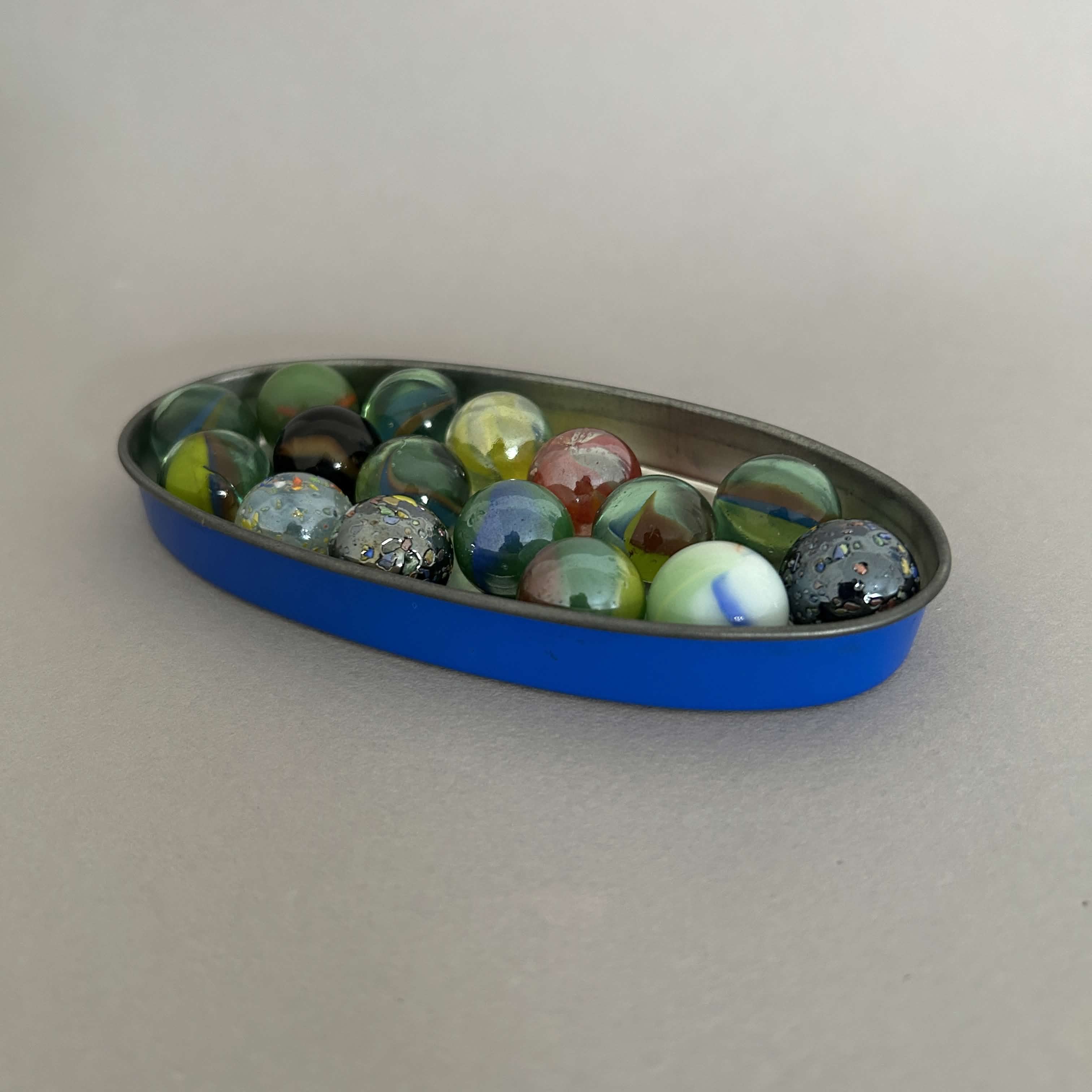
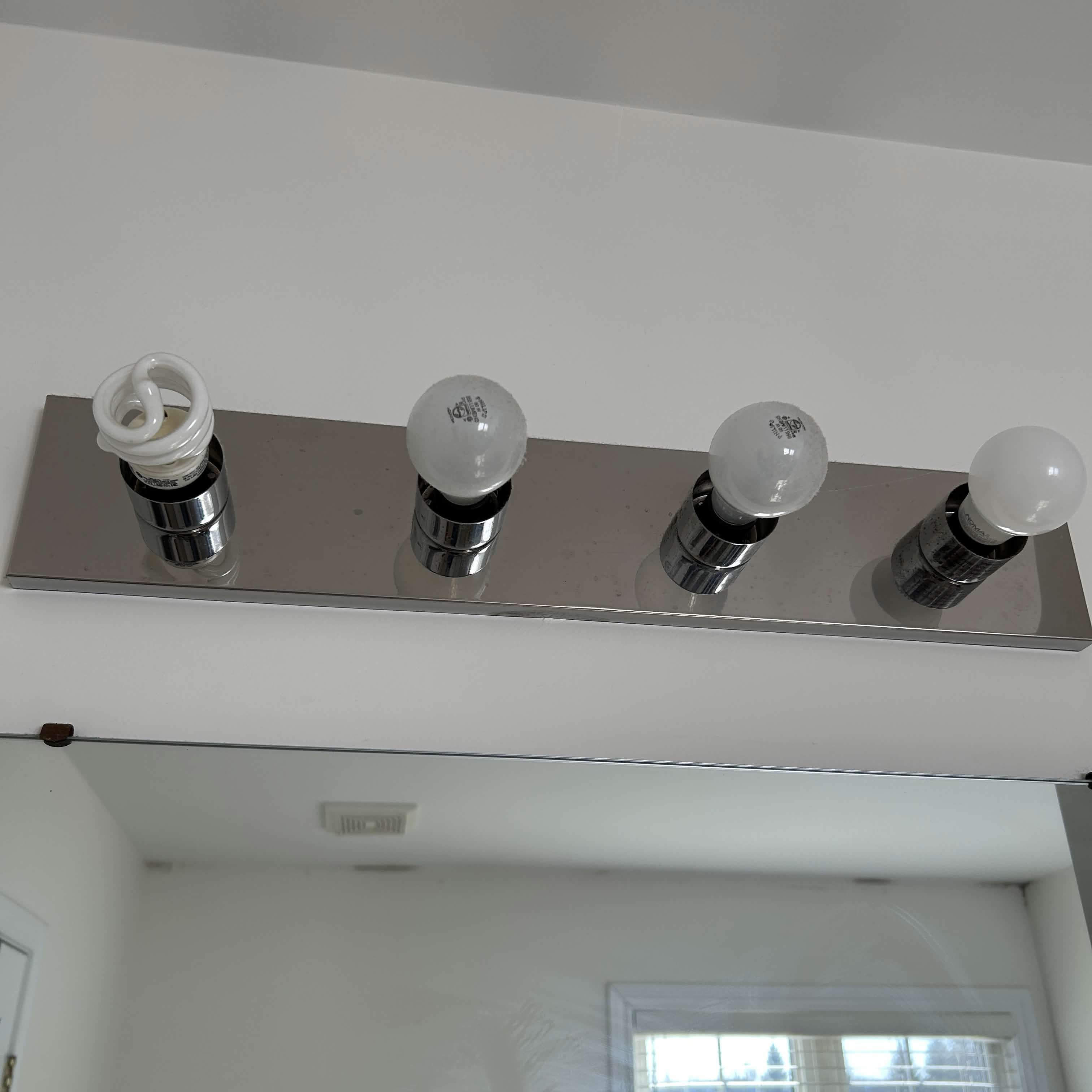
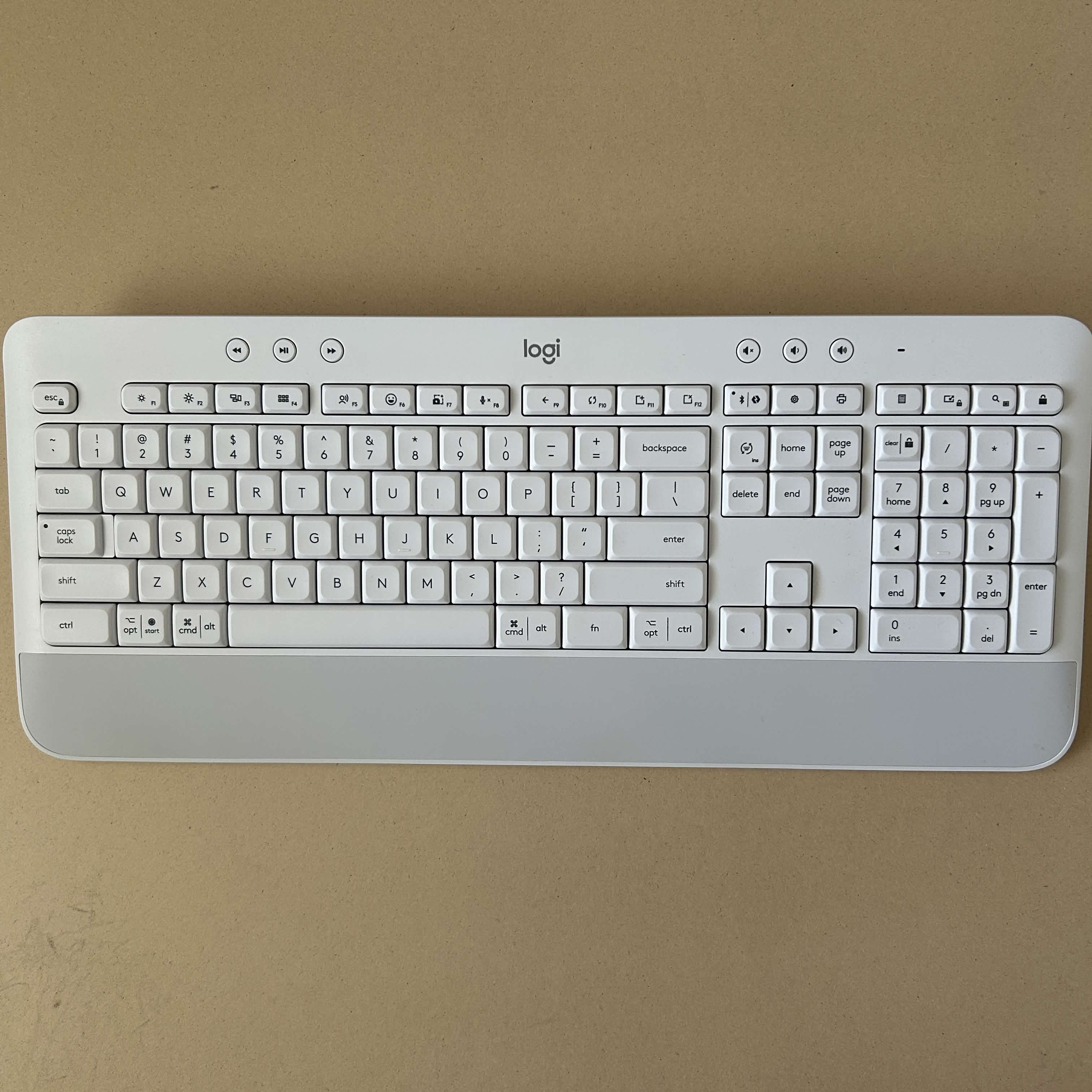
The spraying of a spray bottle Filling a glass using the water dispenser Getting ice from the ice machine Boiling water in a kettle Stirring gravy in a pot Microwaving leftovers The sound of the exhaust fan Running a shower Playing the guitar The sound of the heat circulating through the house Mixing up a rubik's cube Playing with a slinky Tapping on a metal slinky to achieve the sound Hitting a hacky sack Fambling with a coin purse Unlocking a combination lock The sound of a Zuzu pet running around Playing a music box Dealing cards Shuffling cards Dumping marbles on a hardwood floor Passing cars as I wait for the light to change Running the water from the faucet Strange humming coming from the bathroom light Typing on a mechanical keyboard

Activity 2

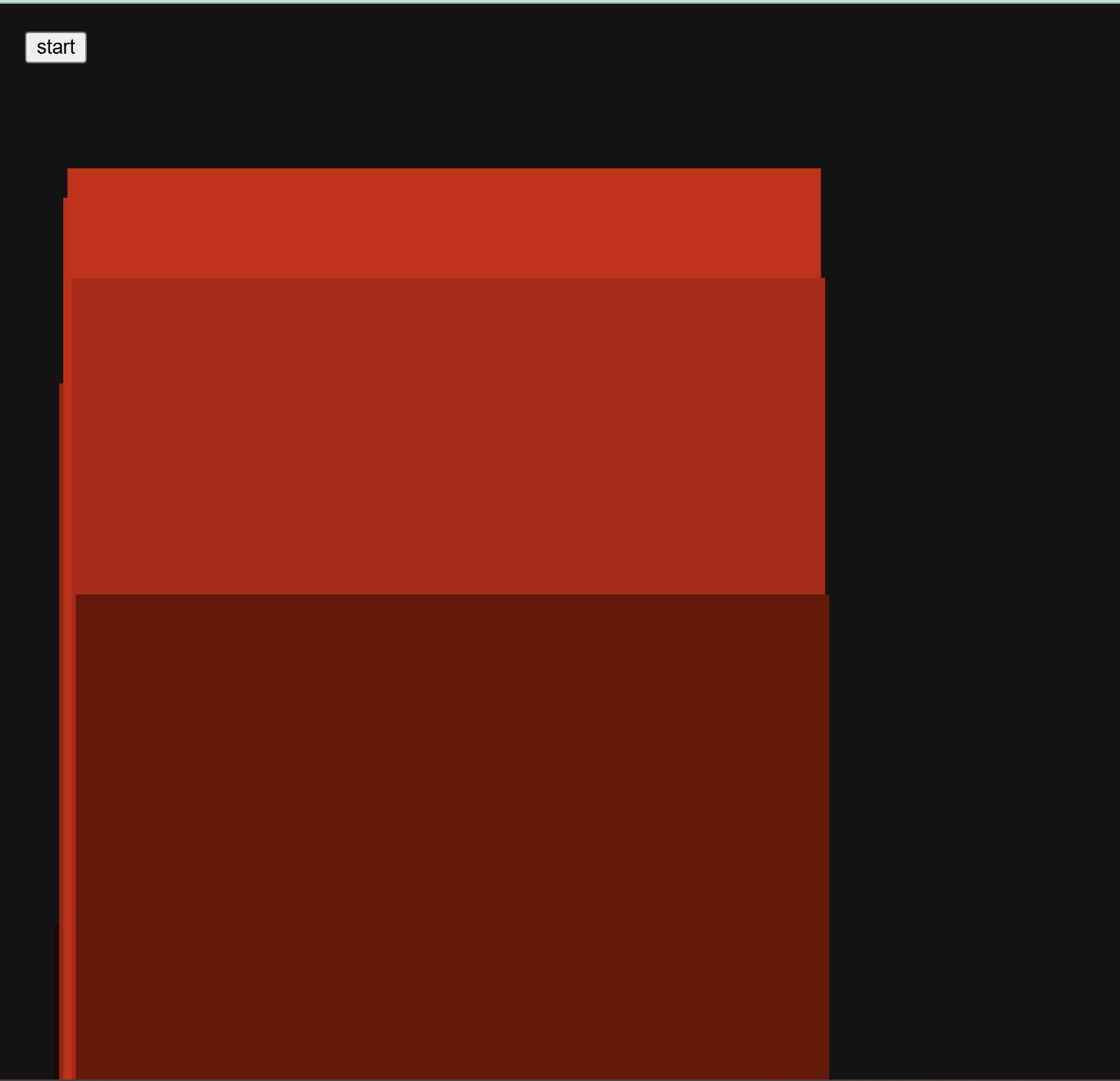
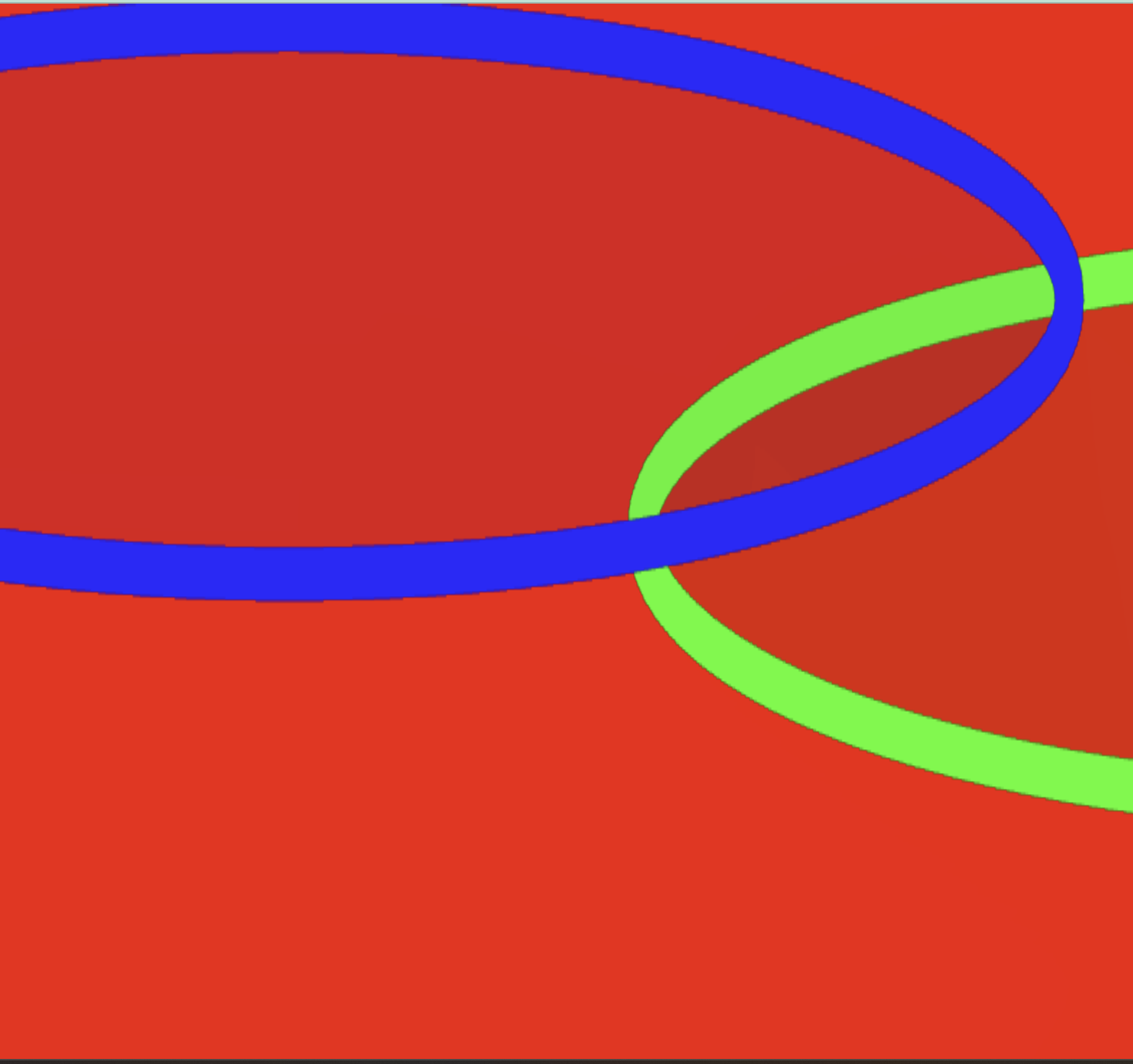
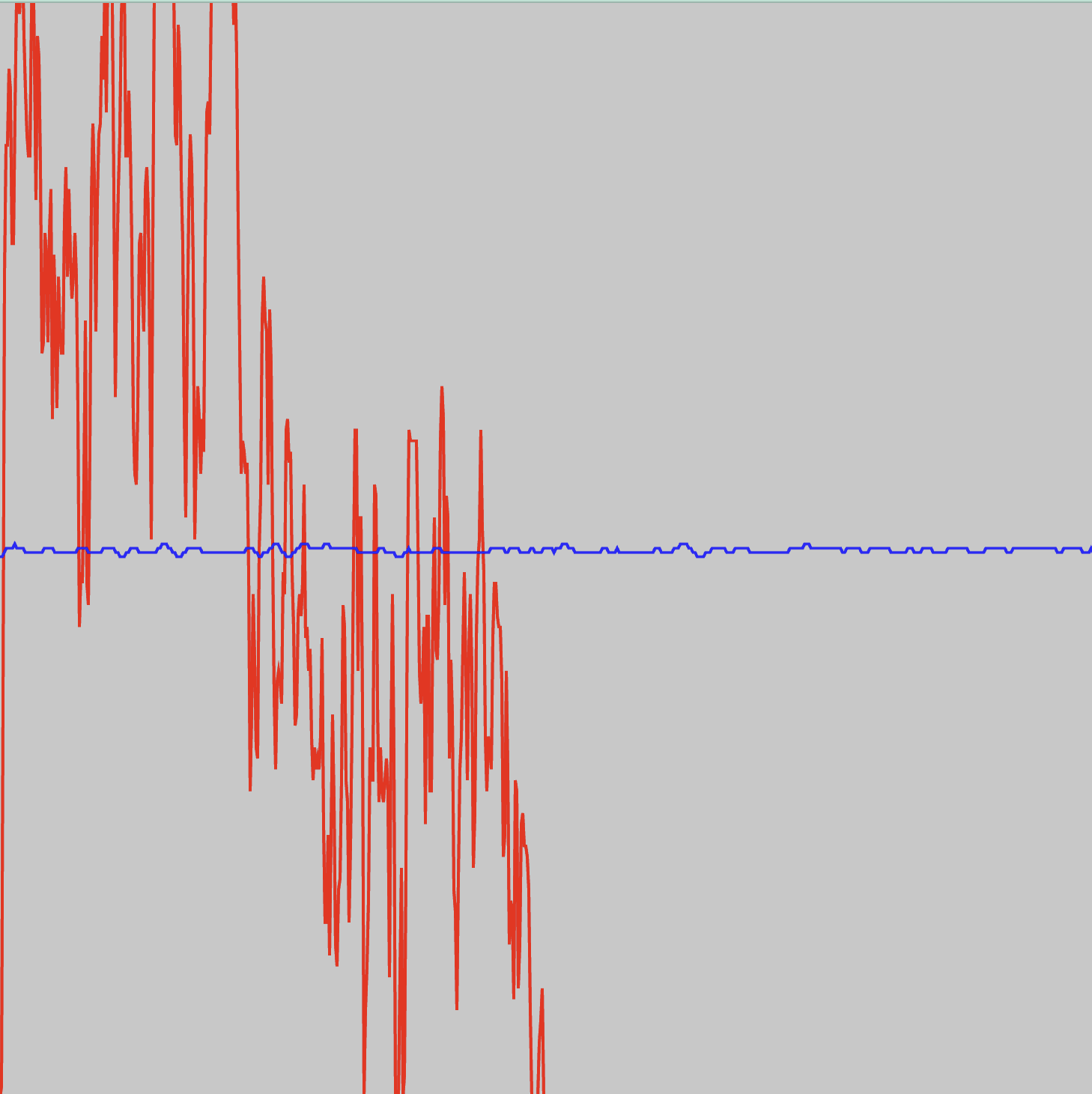
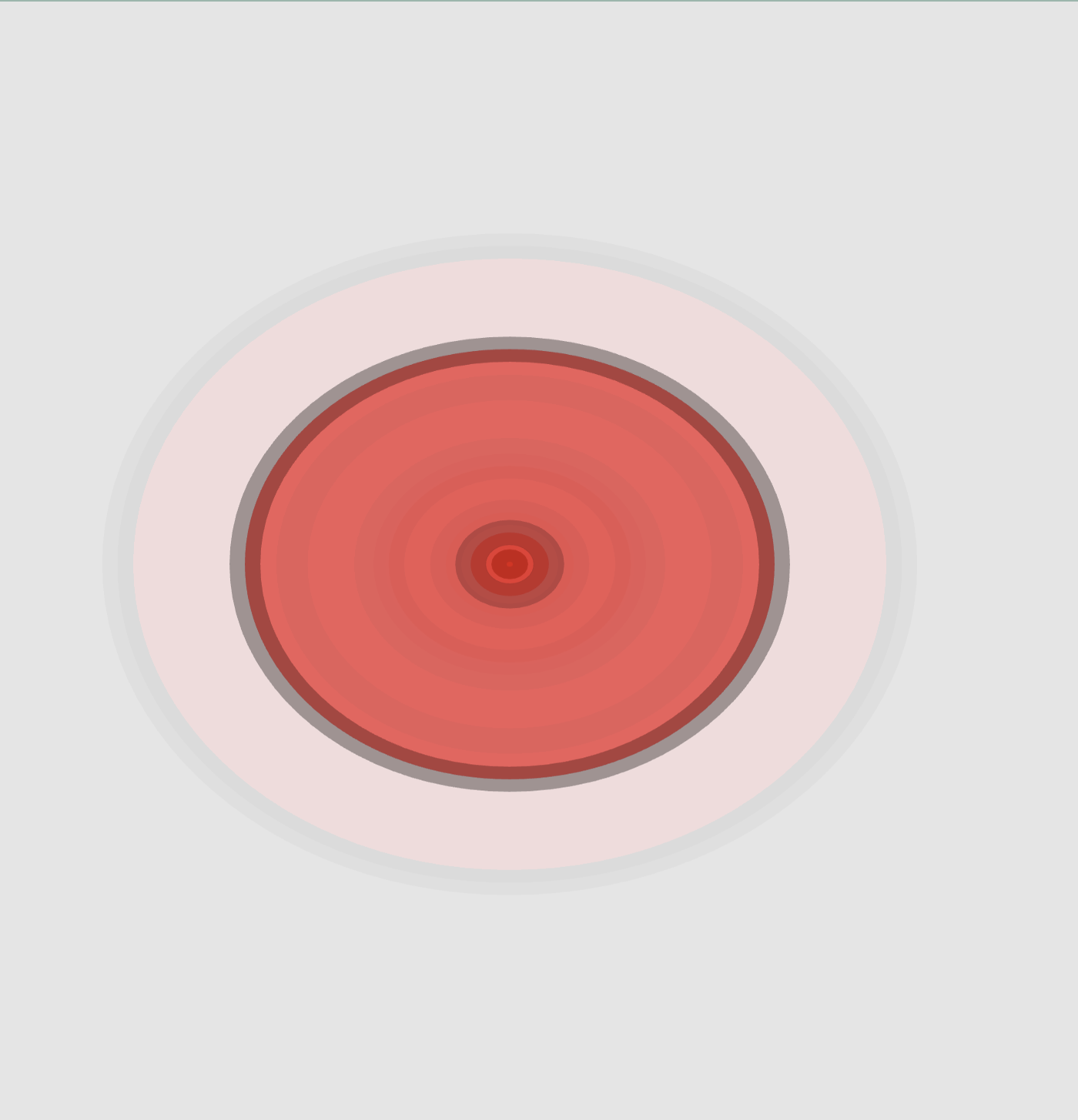
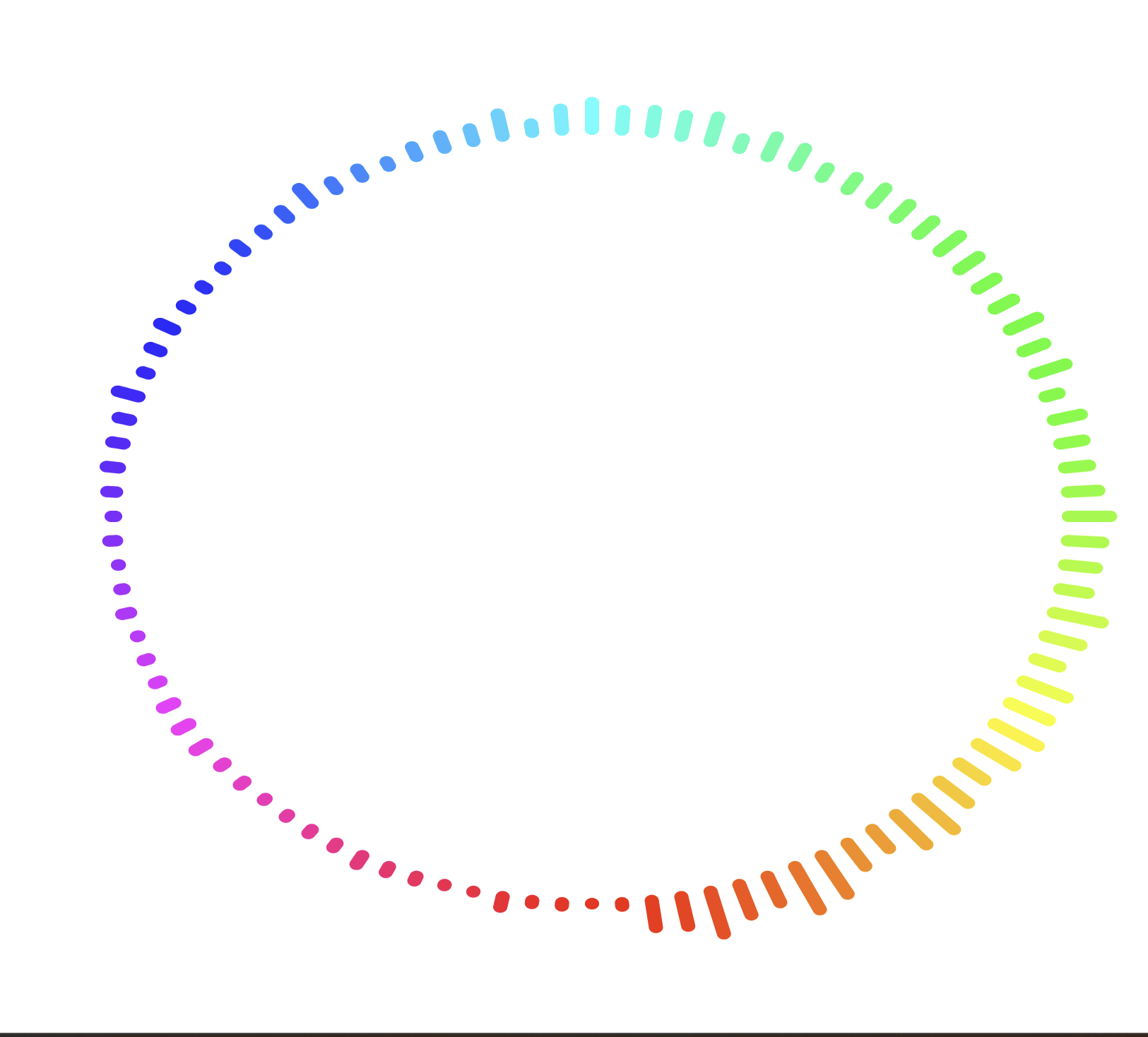
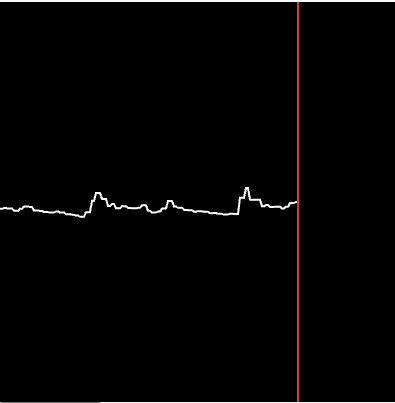
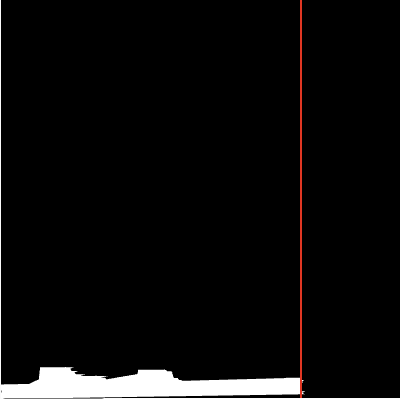
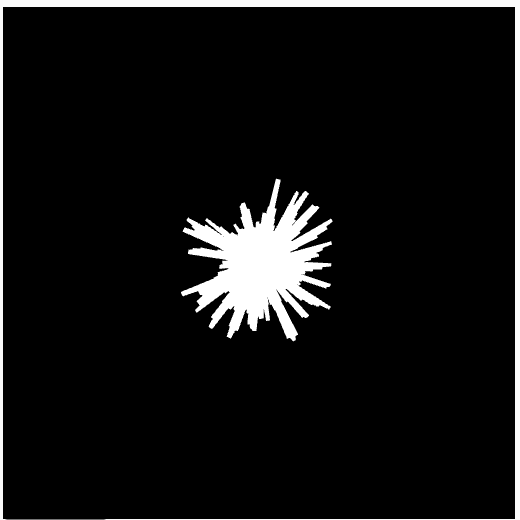
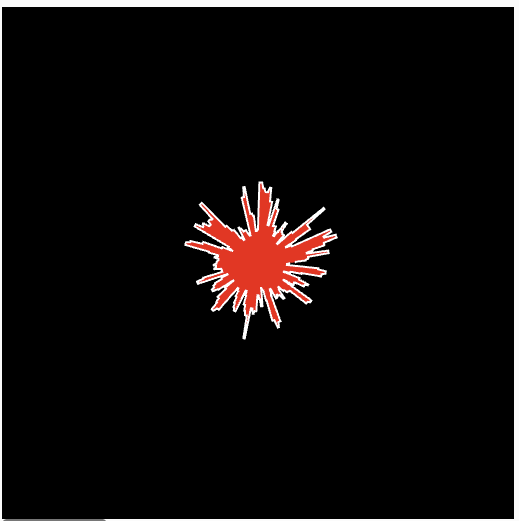
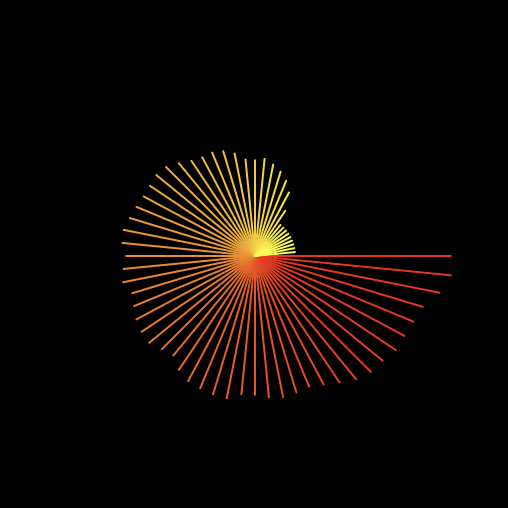
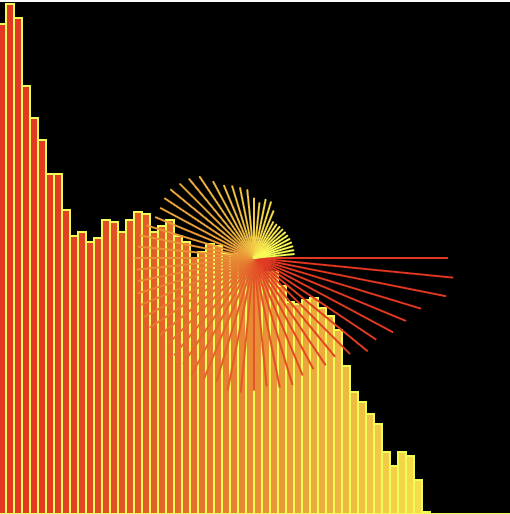
Changed spectrum.length to divided by 2 Changed to let h = map(spectrum[i], 64, 130, 109, height); <br> rect(x, height, spectrum.length / 20, +h); Changed to let x = map(i, 0, spectrum.length / 200, 0, width); <br> let h = map(spectrum[i], 64, 130, 109, height); <br> rect(x, height, spectrum.length / 20, +h); Changed to let x = map(i, 0, spectrum.length / 200, 0, width); <br> let h = map(spectrum[i], 64, 130, 109, height); <br> rect(x, height, spectrum.length / 20, -h); Changed to let h = map(spectrum[i], 255, 0, 255, height); Changed background colour to 100% Changed background colour to 16% Changed to a monochromatic green colour palette interchanging the stroke colour with the fill colour Changed to a vibrant colour palette and removed the stroke Solid background colour with solid fill colours and added back the stroke Shows both waveform and spectrum at the same time Visualizing the level amplitude og the mic by drawing in ellipse A radial soundwave sketch Changed to strokeCap(PROJECT) to be rectangular and reduced number of points to 50 Changed to strokeCap(PROJECT) and strokeWeight((level+5)*100) with number of points at 50 Changed to strokeCap(PROJECT) and strokeWeight((level+5)*100) with number of points at 100 Added mutiple ellipse changing the colours and stroke weight Covered the corners and the middle with ellipse allowing more coverage Using amplitude to read the loudness of a playing sound file and plot it as a scrolling waveform graph positioned along the bottom of the canvas. The volume values are stored over time and drawn as a continuous line to show how the amplitude changes. Using amplitude to measure the loudness of a sound file and visualize it as a scrolling graph centered vertically on the canvas. A vertical red line marks the current playback position, helping show the most recent amplitude value relative to the stored volume history. Using amplitude to track sound volume and display it as a filled waveform graph along the bottom of the canvas. The area under the graph is filled to emphasize amplitude changes over time, while a vertical red line indicates the current point in the audio history. Reads amplitude data from a playing audio file using p5.Amplitude() and displays it as a circular burst of spikes around the center of the canvas. The spikes expand and contract with the sound level, forming a constantly shifting radial waveform. The use of Amplitude() to analyze the loudness of an audio file and convert it into a radial visualization. Lines extend outward from the center in all directions, with their lengths mapped to the current amplitude, creating a dynamic starburst that reacts to the sound. Frequency analysis on an audio track, breaking the sound into 64 frequency bands. The amplitude of each frequency bin is visualized as both colored bars and radial lines, showing how different frequencies in the music change over time. The radial visualization maps the audio spectrum into a circular form where each frequency band becomes a line extending outward from the center. The length of each line represents the amplitude of that frequency, creating a dynamic radial pattern that expands and contracts as different frequencies in the sound become louder or quieter.

Project 2


Final Project 2 Design

P5 Interactive Audio Web Header Portfolio

Inspired by synesthesia and chromesthesia, each sound generates a coloured geometric shape that grows and moves based on the audio’s amplitude. As the shapes fade, they leave outlines behind, allowing users to create a layered abstract artwork through sound.


×

Powered by w3.css